
Accessories
Catalog Avatar Creator accessories — hats, hair, glasses, neck, shoulder, waist, front and back slots, plus styling combos and the best free options in the catalog.
Introduction
The Accessories hub covers the eight accessory slots that give your avatar its personality. In Catalog Avatar Creator, accessories attach to separate parts of the body — hats on your head, hair on top, glasses on your face, and chains, scarves, wings, belts and chest items on dedicated neck, shoulder, waist, front and back slots. Because the slots are independent, you can layer many accessories at once, and learning to stack them is one of the fastest ways to make an outfit feel complete. This hub explains each slot, the best free accessories in the catalog, and how to match accessories across colors and styles so every layer adds to the look instead of clashing with it.
Accessory Slots Quick Reference
| Slot | Examples | Styling Tip |
|---|---|---|
| Hats | Beanies, halos, crowns, cat ears | Pick one hero hat to anchor the look |
| Hair | Long, short, colored, anime styles | Match hair color to the outfit palette |
| Face | Glasses, visors, face accessories | Layer over the face for instant character |
| Neck | Chains, scarves, collars | Add a focal point near the face |
| Shoulders | Pads, capes, wings | Frame the upper body for a stronger line |
| Waist | Belts, sashes | Break up the line between top and bottom |
| Front | Aprons, chest items, necklaces | Add detail at the center of the torso |
| Back | Wings, backpacks, capes | Balance the silhouette from behind |
Accessory Slot Guide
Hats
From classic beanies to halos, crowns and cat ears, hats have the widest variety of any accessory slot. A single hat often defines the entire theme of an outfit.
Hair
Hair frames the face and is the most-searched accessory category. Color, length and style completely change the mood of the same hat and glasses combo.
Face
Glasses, visors and face accessories layer over your face slot. They add instant character and are one of the cheapest ways to make an avatar feel expressive.
Neck
Chains, scarves and collars sit near the face, making them a natural focal point. A single chain can push a simple outfit into streetwear territory.
Shoulders
Shoulder pads, capes and wings frame the upper body and dramatically change the silhouette. They are the best slot for making an avatar feel powerful or dramatic.
Waist
Belts and sashes break up the line between your shirt and pants. A waist item ties the top and bottom halves of an outfit together visually.
Front
Aprons, chest items and necklaces add detail at the center of the torso. They read clearly from the front and fill the empty space on plain clothing.
Back
Wings, backpacks and capes balance the silhouette from behind. A back item makes an avatar look complete from every angle, not just head-on.
Core Mechanics
Accessories in Catalog Avatar Creator attach to eight independent slots on the avatar: hats, hair, face, neck, shoulders, waist, front and back. Each slot accepts a separate item, which means a single avatar can layer a hat, hair, glasses, a chain, shoulder pads, a belt, a chest item and a cape at the same time. The editor displays every slot visually, so you can see exactly where each accessory attaches before you commit. Layering works best when you control color and scale: matching the accessory palette to your clothing makes the stack feel intentional, while mixing too many bright colors can make a look feel noisy. The catalog also has a large free-accessories section, so even a zero-Robux build can fill every slot.
Advantages
Accessories are the cheapest way to make an avatar feel finished. Because the eight slots are independent, you can add personality in layers — a hat sets the theme, glasses give character, a chain adds streetwear energy, and a cape finishes the silhouette. The hub maps each slot to concrete styling advice, so you are not guessing whether a belt or a back item will improve a look. It also surfaces the best free accessories, which is huge for players building without Robux. Understanding slots also prevents the most common styling mistake: stacking too many loud pieces and ending up with a cluttered avatar instead of a cohesive one.
Challenges
The main challenge with accessories is restraint. With eight slots to fill, it is tempting to equip everything at once, and the result is usually an outfit that has no clear focal point. Accessories also attach at fixed points, so an oversized hat or a long chain can clip into clothing or a face on some body types. Free accessory options are plentiful but heavily rotated, so a specific free hat you saw in a guide may be gone by the time you search for it. Finally, accessory prices in the catalog are set by creators on Roblox and change frequently, so treat live prices as the source of truth rather than anything listed in a guide.
Frequently Asked Questions
How many accessories can I wear at once?+
What are the best free accessories?+
How do I stack accessories without making it cluttered?+
Can UGC accessories be tried on?+
Quick Tips
Fill the small slots first. Waist, front and back items are subtle and cheap, and they make an outfit feel complete from every angle. Once those are in place, spend your budget on one strong hero piece for the hats or neck slot where it will actually be noticed.
Test the full stack before buying. Accessories attach at fixed points and can clip into clothing or faces on some body types. Try on your complete layered look — hat, hair, glasses, chain, cape — before you commit Robux to any single piece.
Use free accessories as a foundation. The free-accessories filter gives you thousands of 0-Robux options across all eight slots. Build a complete free stack first, then upgrade one slot at a time with paid items only when a free option is not good enough.
Featured
Catalog Avatar Creator best accessories for any outfit
Find the best accessories in Catalog Avatar Creator, from cat ears and halos to crowns and headphones. Style kawaii and fantasy looks across every slot.
Catalog Avatar Creator neck accessories: scarves and chains
Explore Catalog Avatar Creator neck accessories plus shoulder, waist, front, and back slots. Layer scarves, collars, badges, and ties for unique looks.
Catalog Avatar Creator free accessories: 0-Robux cat ears
Build a complete free-to-play look with Catalog Avatar Creator free accessories. Discover 0-Robux hats, hair, glasses, and face items across every slot.
All Articles
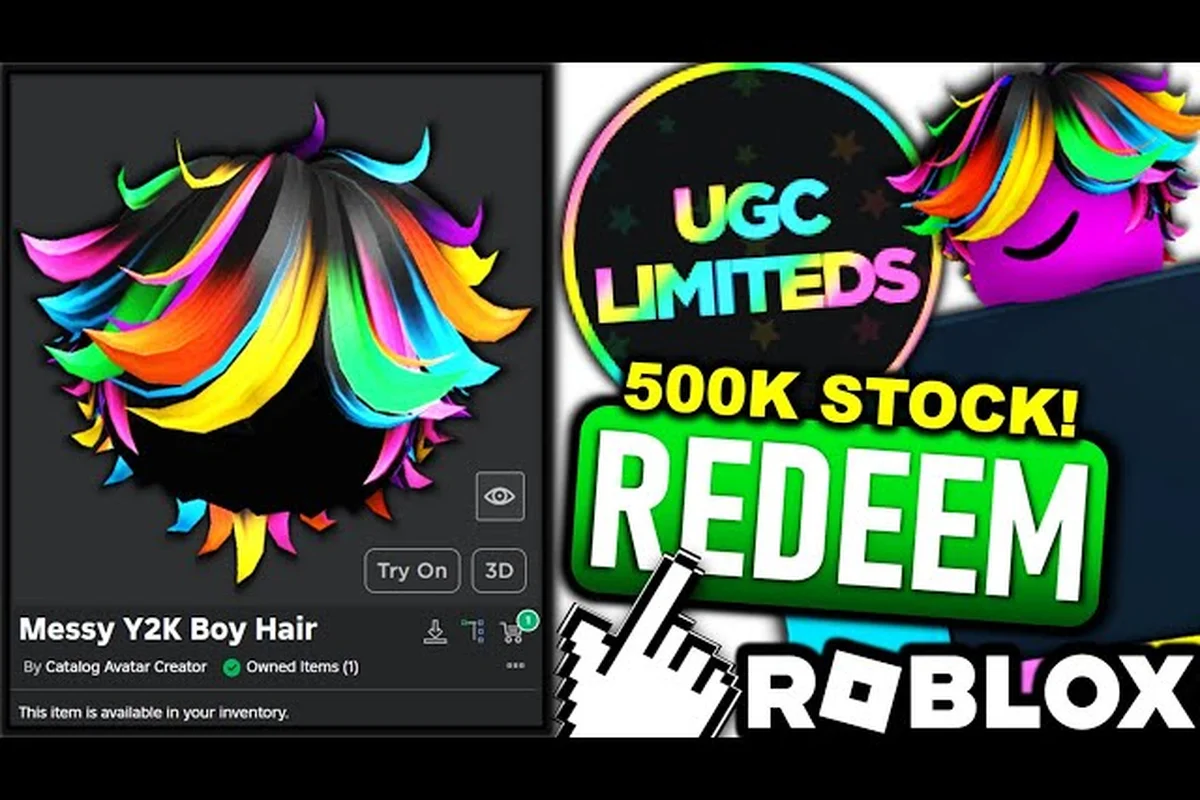
Catalog Avatar Creator how to change your hair style
Learn how to change hair Catalog Avatar Creator with thousands of styles and colors. Try on hats, layer accessories, and transform your avatar fast.
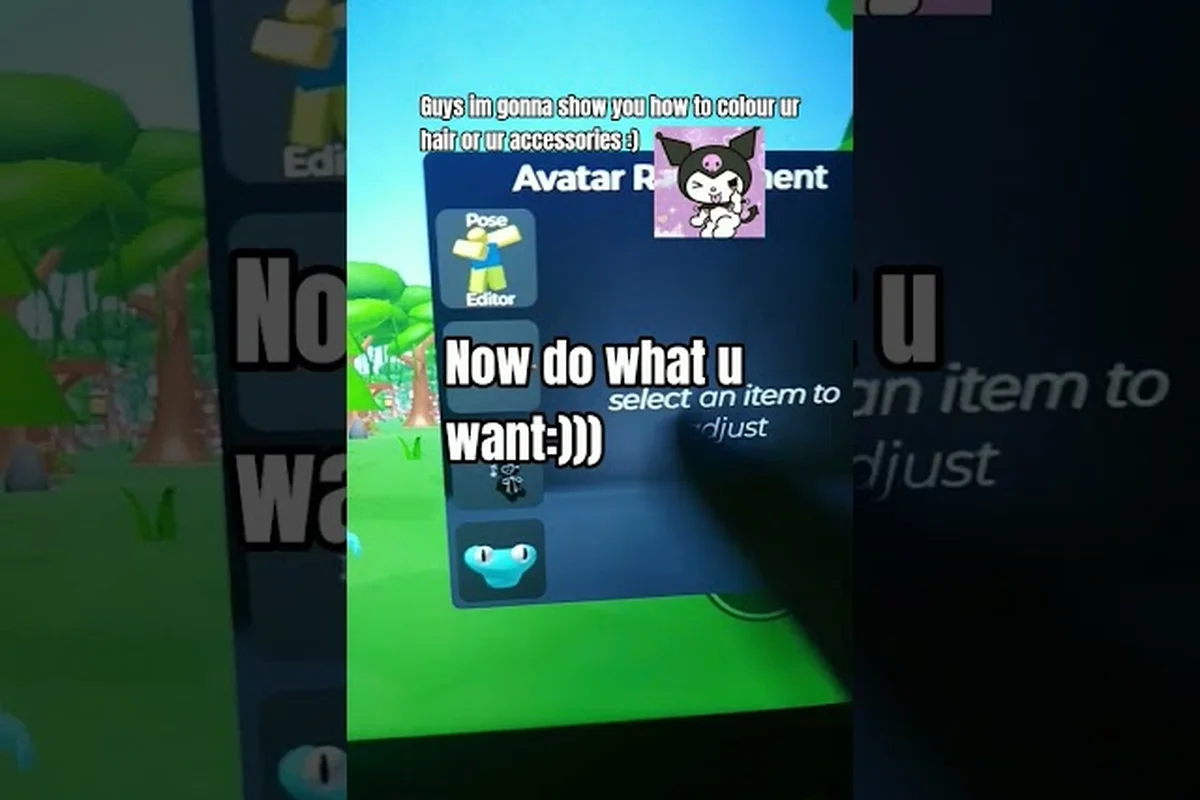
Catalog Avatar Creator accessory guide with top hat picks
Master the Catalog Avatar Creator accessory guide for 2026. Browse top hats, glasses ideas, and hair colors, then match pieces across all five body slots.
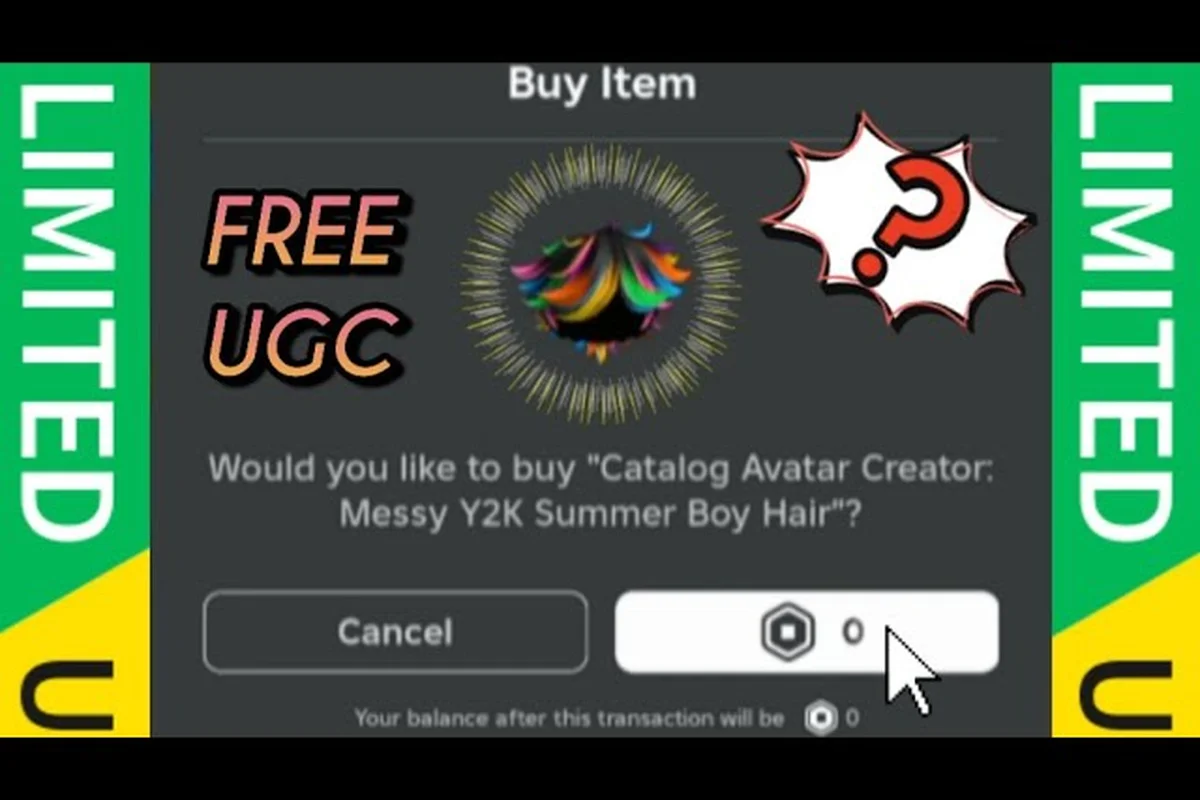
Catalog Avatar Creator accessory value: UGC hats ranked
Understand Catalog Avatar Creator accessory value through community tier thoughts. Spot versatile UGC hats, crowns, halos, and cat ears before you buy.
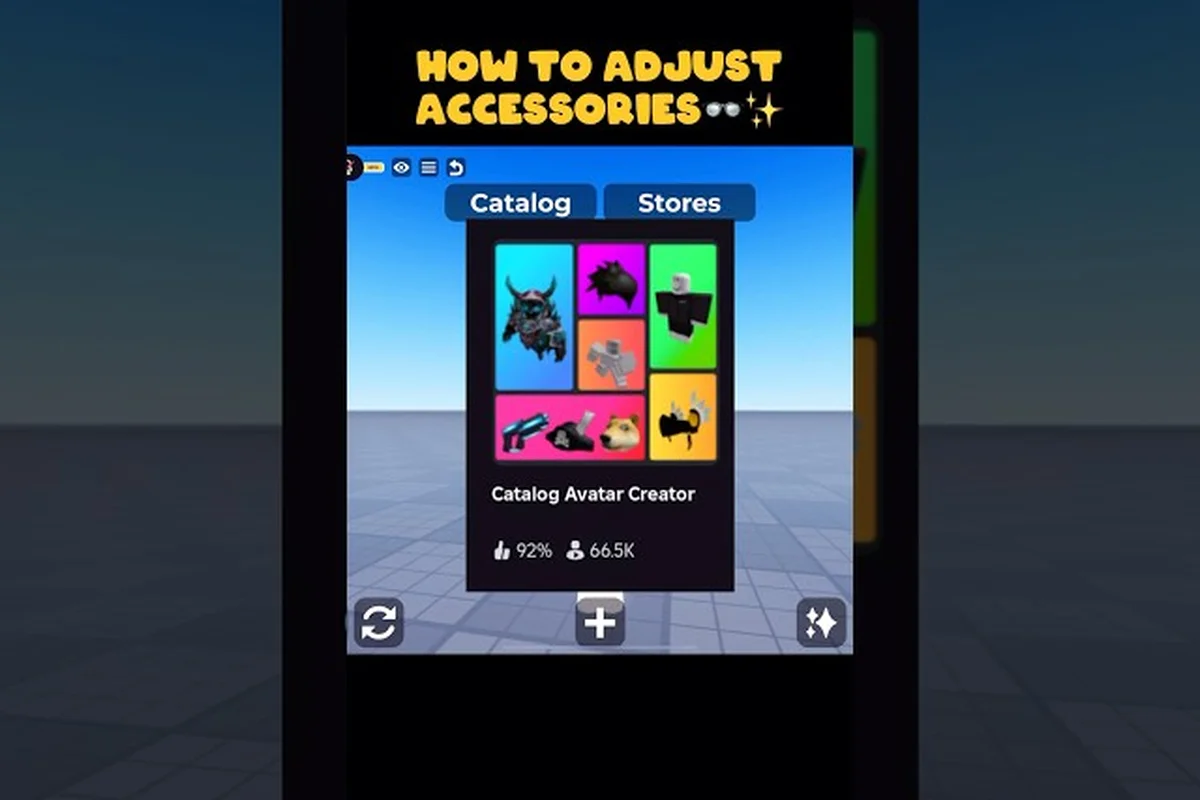
Catalog Avatar Creator chain accessories necklace styling
Style Catalog Avatar Creator chain accessories with scarves, collars, and chains. Pair neck pieces with shoulder, waist, and back slots for layered outfits.