
Guides
Catalog Avatar Creator beginner guides — how to try on items, build and save a look, sync your avatar to Roblox, and start buying catalog items for your inventory.
Introduction
Catalog Avatar Creator is the #1 in-experience Roblox avatar editor, and the Guides hub is the fastest way to learn how it works. Whether this is your first visit or you are returning after a long break, you will find step-by-step walkthroughs that cover your first session: how to try on items for free, how to build and save a look, how to sync that look to your actual Roblox avatar, and how to make your first purchase so it lands in your inventory. We also explain the in-game catalog, the outfit-code system, community outfits, and UGC stores, and we cover mobile and PC controls so the editor feels natural on any device. Every guide is written for what new players actually search for, with practical tips and current information that reflects the game as it plays today.
Essential Starter Guides
| Guide | Focus | Best For |
|---|---|---|
| How to Play & Controls | Editor basics, menu navigation, catalog browsing | All players |
| First Visit Checklist | Try on items, build a look, save it to Roblox | Beginners |
| Try On & Buy Guide | Free try-on flow and inventory sync | All players |
| Outfit Code Guide | Get, enter and publish outfit codes | Community builders |
| Mobile vs PC Guide | Controls and features on phone and desktop | Mobile players |
| UGC Store Guide | Open a storefront and earn Robux | Aspiring creators |
Guide Topics
How to Play & Controls
The complete Catalog Avatar Creator control scheme in one place — how to open the catalog, try on items, navigate menus, and use the editor on both PC and mobile.
First Visit Checklist
A step-by-step path through your first session: try on free items, build a complete look, save it, sync it to your Roblox avatar, and make your first purchase.
Try On & Buy Guide
Exactly how the free try-on flow works, what happens when you purchase an item, and how everything you buy syncs into your Roblox inventory for use everywhere.
Outfit Code Guide
How to get outfit codes, enter them in the code menu, load other players' community outfits, and publish your own looks so anyone can try them on.
Mobile vs PC Guide
How the editor differs between mobile and desktop, which features are easier on which device, and how to switch between devices on the same Roblox account.
UGC Store Guide
The basics of opening your own free UGC storefront inside the game, publishing your first items, and earning Robux when other players buy your creations.
Core Mechanics
The core of Catalog Avatar Creator is the avatar editor, which gives you the entire Roblox catalog as a sandbox. You open the game, browse categories such as hats, hair, faces, accessories, clothing, bodies and animation packs, and try on any item instantly. Your avatar is made up of multiple slots — head, face, torso, arms, legs and up to eight accessory slots — so every item you equip changes the silhouette. Once you are happy with a look, you can save it inside the game, keep multiple saved avatars, or sync it to your actual Roblox avatar so it appears in every game you play. Purchases go through the Roblox checkout and land in your inventory, and the Bulk Purchase system lets you buy an entire outfit at once. The editor is designed to be social too: you can browse 50M+ community outfits, load them with codes, and publish your own designs.
Advantages
The Guides hub gives new players a fast, reliable on-ramp into a game that can feel overwhelming at first. The catalog has millions of items, and knowing where to start saves hours of aimless browsing. The step-by-step first-visit checklist covers the exact flow — try on, build, save, sync — so nobody gets stuck wondering why their new look is not showing up outside the game. The hub also centralizes the most-searched topics: how outfit codes work, how to publish a community outfit, whether items are free, and how UGC stores earn Robux. Because the game changes with new features such as Bulk Purchase and animation packs, the guides are maintained to reflect the current editor, giving readers confidence that what they learn still works today.
Challenges
Keeping guides accurate is genuinely hard because Roblox itself changes. The catalog, item pricing, and the limiteds market move constantly, and Roblox occasionally updates its own editor and checkout flow, which can change how items are equipped or purchased. UGC store requirements and earnings rules are not published in an official document, so some details are based on community reports that may be outdated. The 88K+ online player count is a single snapshot rather than an official long-term statistic. Readers should treat guides as strong starting points and verify live prices, store rules, and current features in the game itself before making purchasing decisions.
Frequently Asked Questions
What should I do on my first visit?+
Is trying on items really free?+
How do I save my avatar to Roblox?+
Can I play Catalog Avatar Creator on mobile?+
Quick Tips
Try on everything before you buy. The entire catalog is free to preview, so build a complete look with try-on first, then purchase only the pieces you still love. This habit saves Robux and is the single best way to avoid buyer's remorse on expensive items.
Sync your avatar early. Save your first decent look to your Roblox avatar as soon as you build it, because the editor holds more saved looks than your Roblox avatar does. Getting the sync habit early means your best looks never get lost when you keep experimenting.
Keep a mobile session handy. Mobile is great for quick try-on and browsing sessions, while PC is faster for large bulk purchases. Use the same Roblox account on both so your saved looks and inventory are always in sync between devices.
Featured
Catalog Avatar Creator first time playing: try on and save
New to Catalog Avatar Creator first time playing? Browse the catalog, try on items free, buy with Robux, and save avatars to switch anytime.
Catalog Avatar Creator how to change your avatar look
Learn how to change your avatar in Catalog Avatar Creator. Master the editor, load 50M+ community outfits, and create your first look effortlessly.
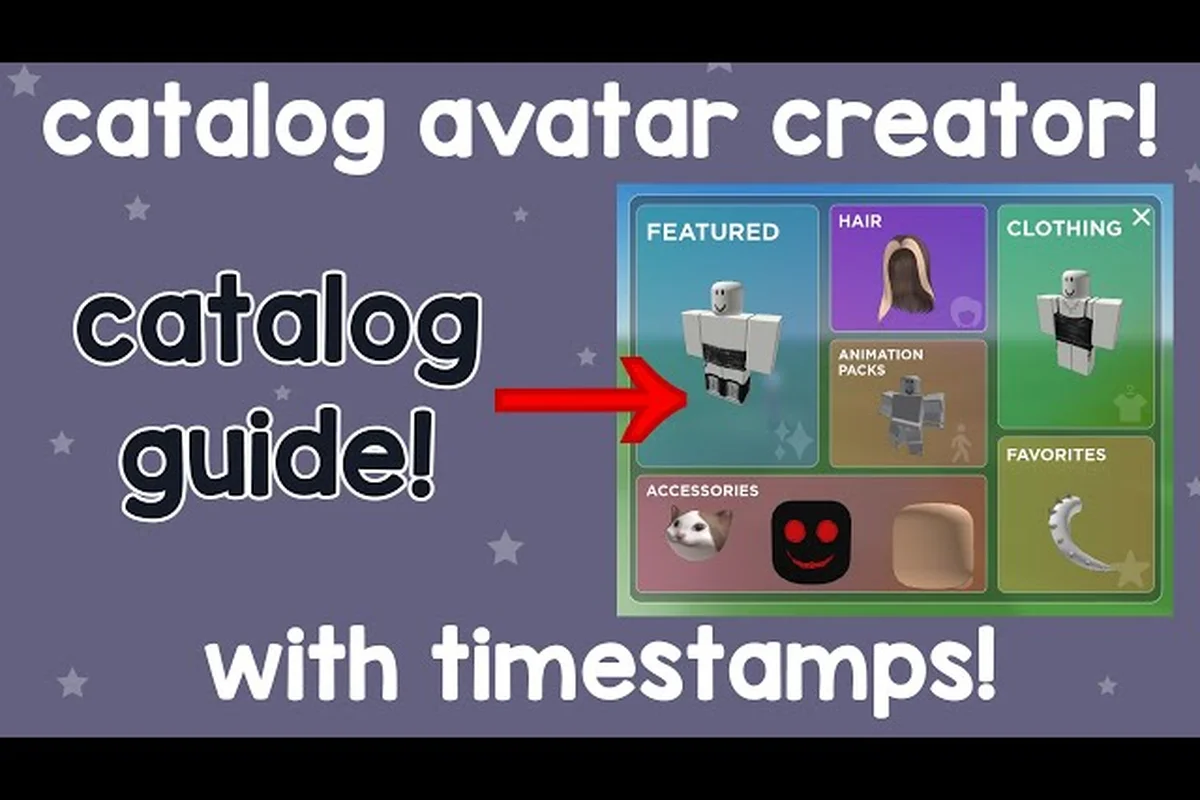
Catalog Avatar Creator beginner guide: enter codes & save
Master the Catalog Avatar Creator beginner guide and start styling free. Enter outfit codes, use price filters for 0-Robux looks, and favorite items fast.
All Articles
Catalog Avatar Creator how to customize your avatar editor
Explore how to customize your avatar in Catalog Avatar Creator's full editor. Randomize looks, favorite items, and combine accessories and hair combos for free.
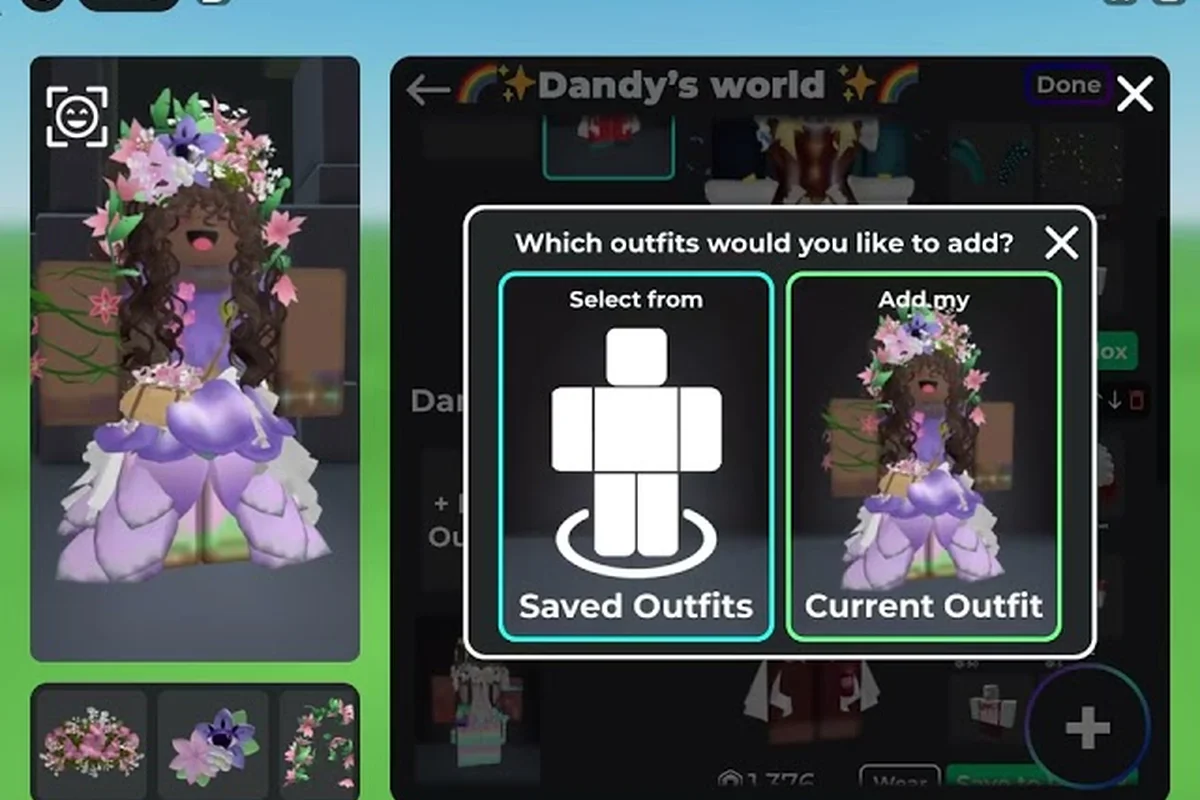
Catalog Avatar Creator how to follow creators guide
Discover how to follow creators in Catalog Avatar Creator and avoid beginner mistakes. Get community tips including price filters and favoriting items.
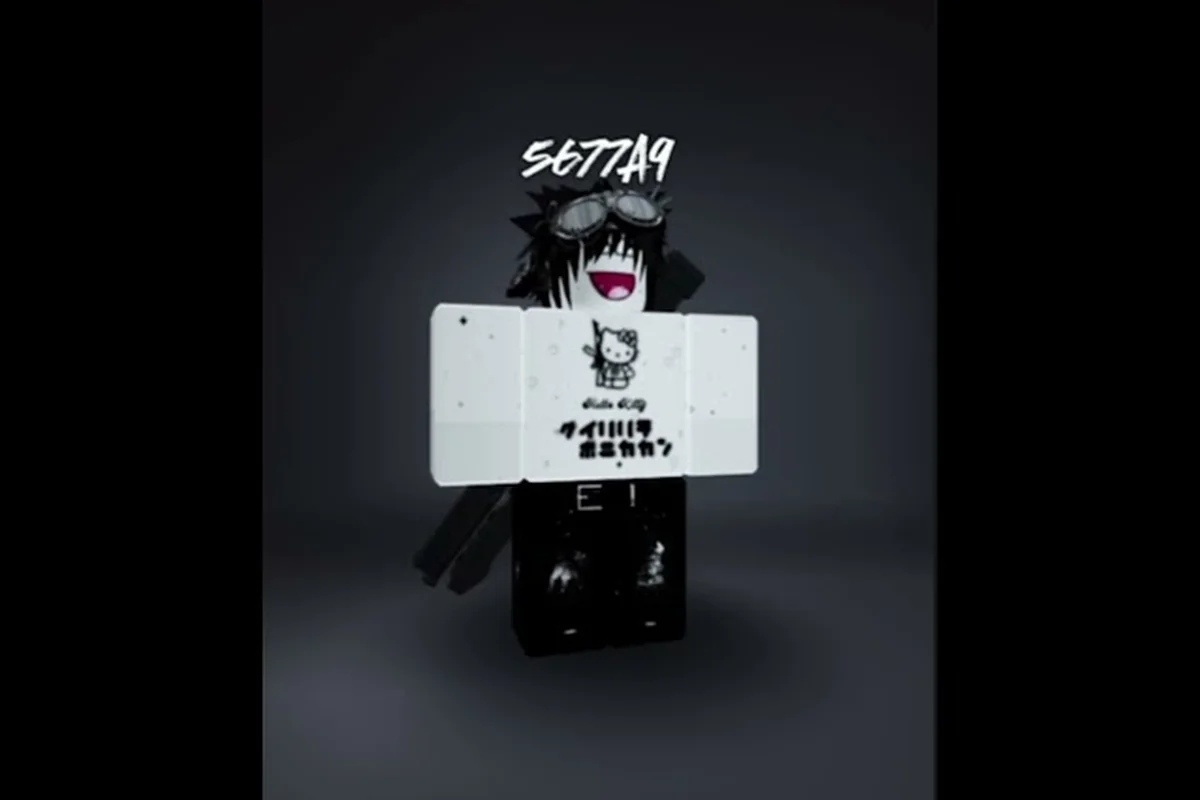
Catalog Avatar Creator how to make a good avatar outfit
Understand how to make a good avatar in Catalog Avatar Creator. Publish designs, copy community looks, and build stylish outfits without spending Robux.
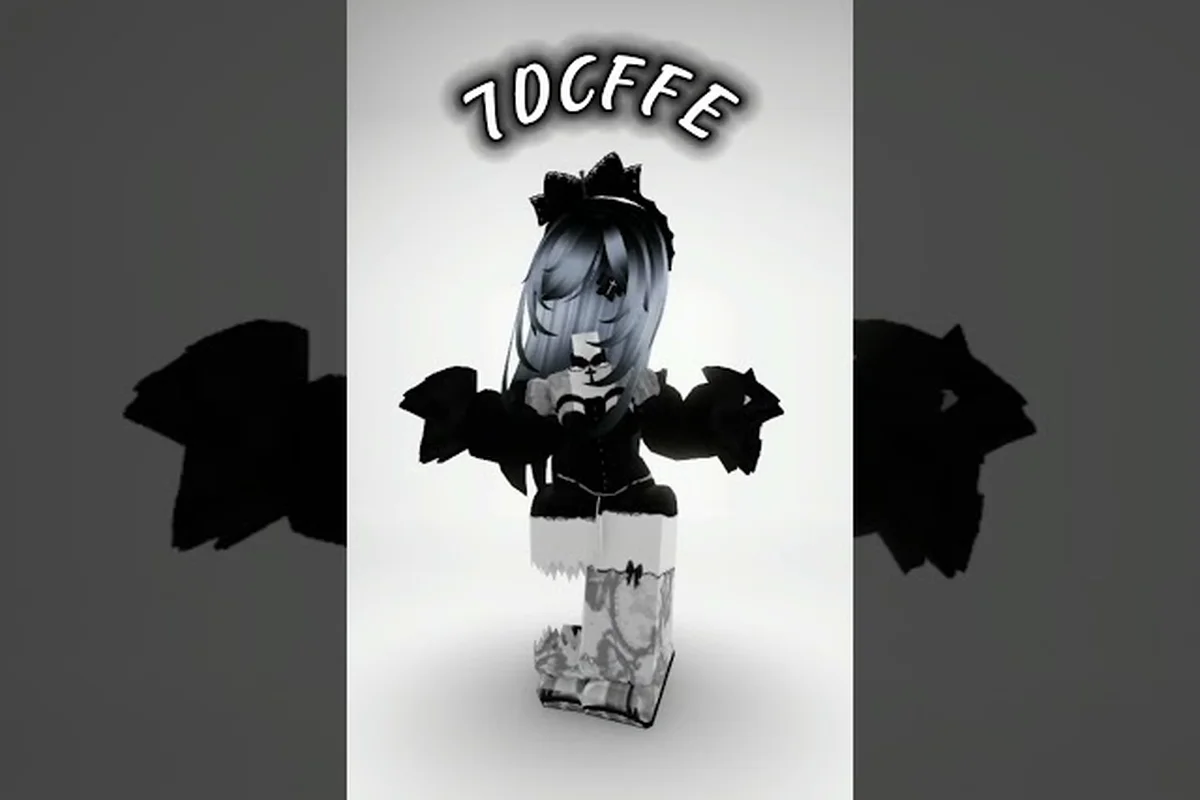
Catalog Avatar Creator mobile guide: touch controls on phone
Play Catalog Avatar Creator mobile guide on iOS and Android. Get touch control tips, avoid mistakes, and use the same catalog and outfit-code menus on the go.
Catalog Avatar Creator step by step guide: full walkthrough
Follow the Catalog Avatar Creator step by step guide to master every feature. Enter outfit codes and earn the Outfit Designer role with this walkthrough.
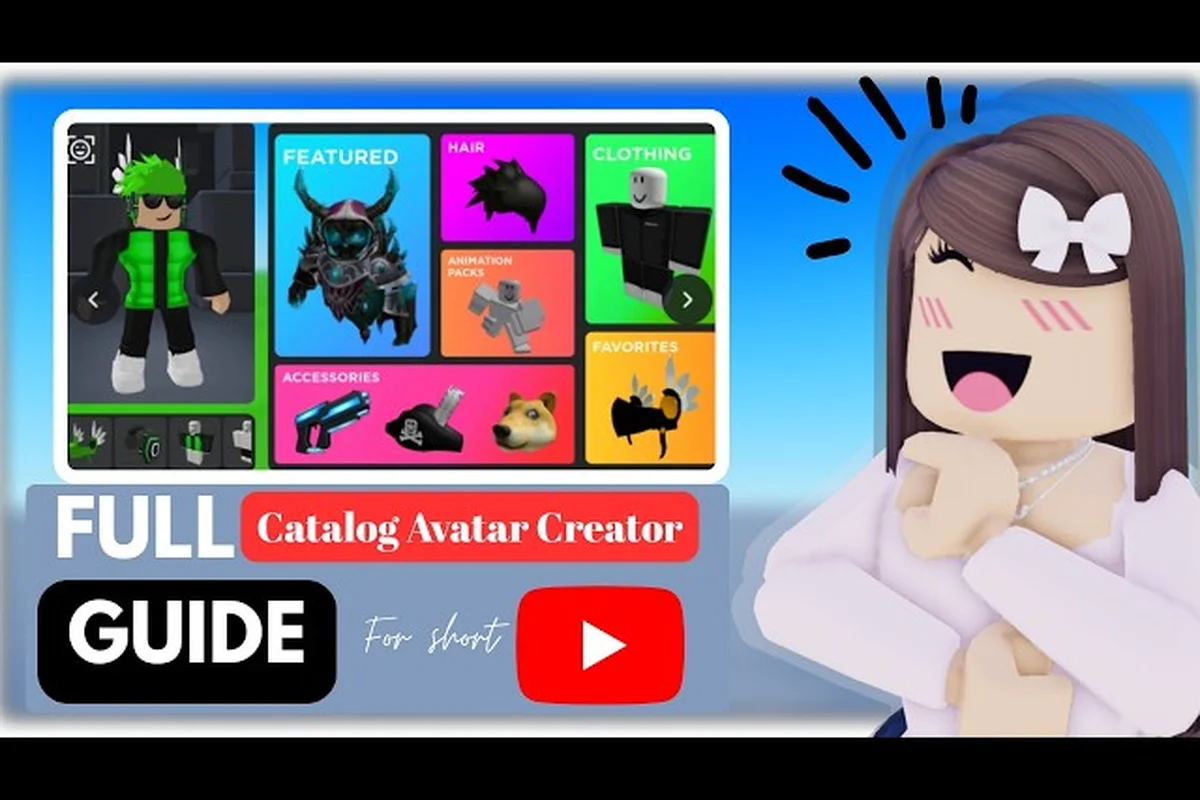
Catalog Avatar Creator in depth guide to the editor
Dive into the Catalog Avatar Creator in depth guide for 2026. Master the editor's do's and don'ts, try on millions of items, and enter outfit codes like a pro.
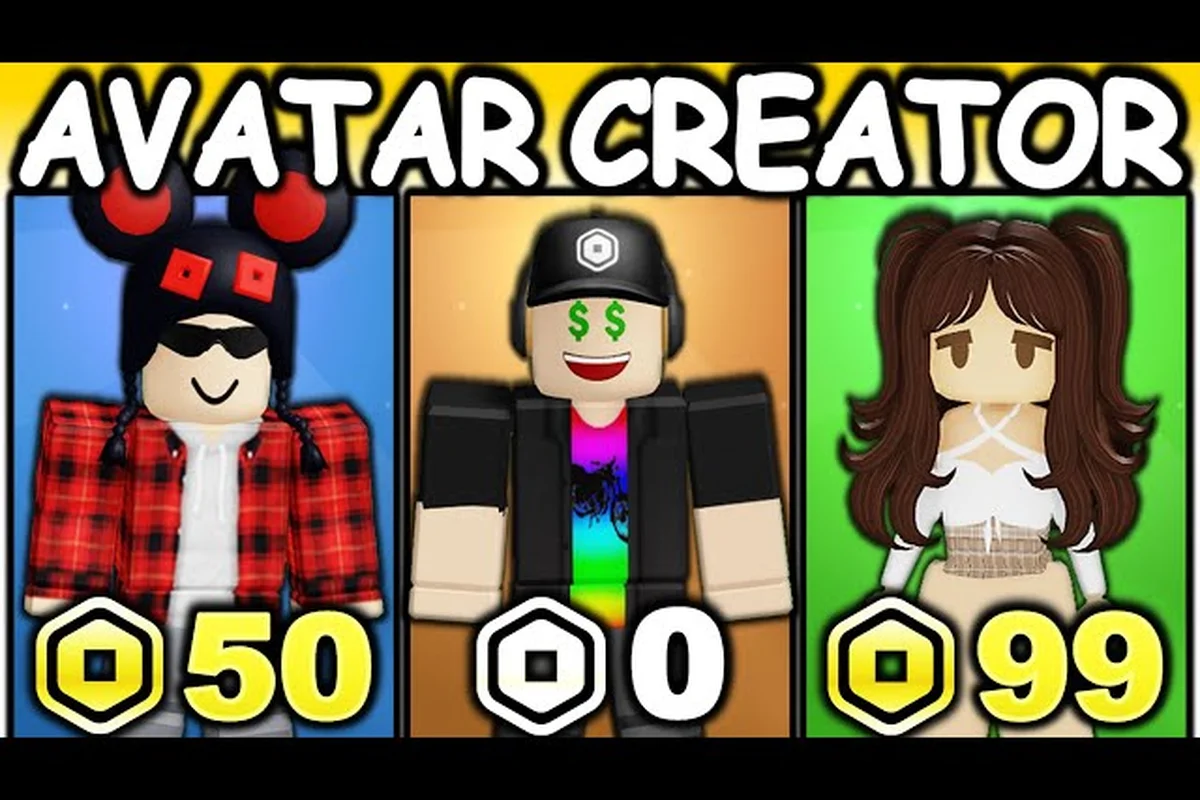
Catalog Avatar Creator walkthrough: tutorial and FAQ for PC
Complete the Catalog Avatar Creator walkthrough with this tutorial and FAQ. Learn PC controls, browse the catalog, and unlock the Outfit Designer role.