
Animations
Catalog Avatar Creator animation packs — UGC walk, run, idle, dance, emote, combat and pose animations you can try on in-experience before you buy.
Introduction
The Animations hub covers UGC animation packs, one of the newest and fastest-growing categories in Catalog Avatar Creator. Animation packs are equippable items that change how your avatar walks, runs, stands idle, dances and emotes — turning a static avatar into a character with movement and personality. Because you can try on any pack in the editor before buying, the hub focuses on the pack types, what each one changes, how animations pair with outfit themes, and the newest releases. From confident strides to anime dashes, dance packs and weapon holds, the right animation pack makes your avatar feel alive.
Animation Pack Types Quick Reference
| Pack Type | What It Changes | Example |
|---|---|---|
| Walk Packs | Custom walking animation | Confident stride |
| Run Packs | Sprint and run style | Anime dash |
| Idle Packs | Standing pose | Chill idle |
| Dance Packs | Dance moves | Party dance |
| Emote Packs | Gestures and reactions | Wave, laugh |
| Combat Packs | Weapon and fight holds | Sword stance |
Animation Pack Types
Walk Packs
The most visible animation, on display every time you move. From confident strides to anime-style floats, the walk defines how your avatar carries itself.
Run Packs
Sprint and run styles that add energy to movement. Anime dashes and explosive runs are among the most popular packs in the catalog.
Idle Packs
Standing poses that show personality when you are still. A chill idle makes an avatar feel relaxed, while a confident stance projects presence.
Dance Packs
Full dance moves for socializing and showcases. Dance packs are a favorite in games and are among the most expressive items you can equip.
Emote Packs
Gestures and reactions like waves and laughs that add communication beyond chat. Emote wheels bundle several gestures into one item.
Combat Packs
Weapon holds and fight stances for theme builds. A sword stance or weapon-ready pose completes a warrior or agent outfit.
Core Mechanics
Animation packs bundle movement styles into a single equippable item. When equipped, the pack replaces your avatar's default animation for the covered movement — a walk pack changes how you walk, a run pack changes your sprint, and an idle pack changes your standing pose. The editor supports try-on for animation packs, so you can preview exactly how the movement looks on your avatar before spending Robux. Because animations are tied to the R15 body, packs require an R15 avatar to play correctly. Animation packs are also highly visual in social settings: your walk and idle are visible to every player near you, which makes them one of the most expressive categories in the catalog.
Advantages
Animation packs give you the cheapest possible personality upgrade because they change how your avatar moves, not just how it looks. Two avatars wearing identical outfits feel completely different when one has an anime dash and the other has a confident stride. The try-on preview removes the risk of buying a pack that looks awkward on your body, and the hub's pack-type breakdown tells you exactly which pack to search for — a walk pack, a dance pack, or a weapon hold for a theme build. The new-release coverage keeps you ahead of the latest drops in one of the catalog's fastest-growing categories.
Challenges
Animation packs are R15-only, so players on the classic R6 body cannot use them at all. They are also the most expensive accessory category on average, with premium packs costing over a thousand Robux. Because the animation plays on the whole body, some packs can look different on custom heads or oversized proportions, and long hair or capes can clip during exaggerated movements. The market is also crowded with low-quality packs, so reading reviews and previewing carefully matters more here than in most categories.
Frequently Asked Questions
How do I try on an animation pack?+
Do animation packs work on R6?+
What is the most popular type of animation pack?+
How much do animation packs cost?+
Quick Tips
Always preview the pack in motion. Animation quality is impossible to judge from a thumbnail. Use the try-on to watch the full walk, run or idle cycle on your avatar and your chosen proportions before you spend Robux.
Check reviews before buying premium packs. The animation market is crowded with low-quality packs, and prices can exceed a thousand Robux. Read recent reviews, watch how the pack moves on other avatars, and only buy packs with a strong track record.
Make sure your avatar is R15. Animation packs require the R15 body, so switch your avatar to R15 before shopping. If you are attached to an R6 look, weigh the body change against the animation styles you actually want before committing.
Featured
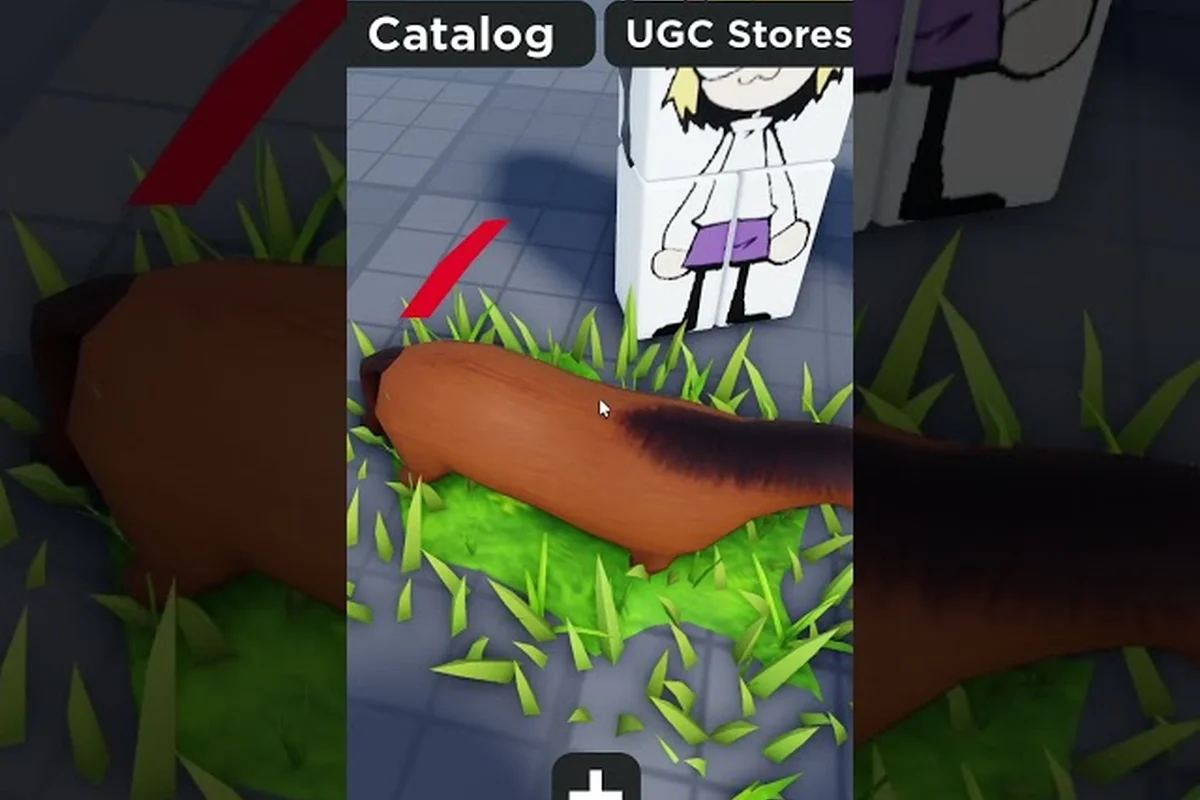
Catalog Avatar Creator funny animations: meme and combat
Find Catalog Avatar Creator funny animations from meme walks to weapon poses. Learn to buy packs, combine moves, and unlock secret animations.
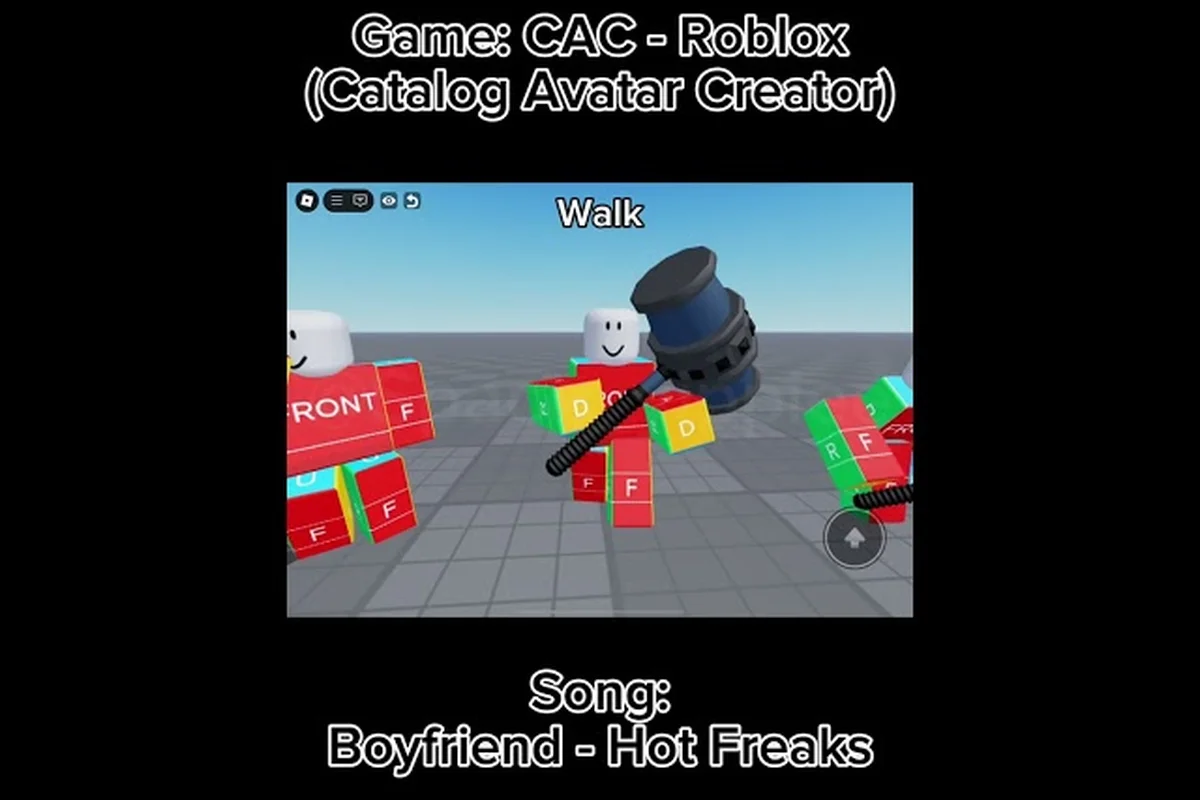
Catalog Avatar Creator animation pack 2026: newest UGC drops
Track the Catalog Avatar Creator animation pack 2026 with the newest UGC bundles. Find walk, run, and idle combos plus dance and meme animations.
Catalog Avatar Creator animation packs: walk, run, idle
Discover Catalog Avatar Creator animation packs that bundle walk, run, and idle moves. Try on UGC styles from confident strides to anime-inspired steps.
All Articles
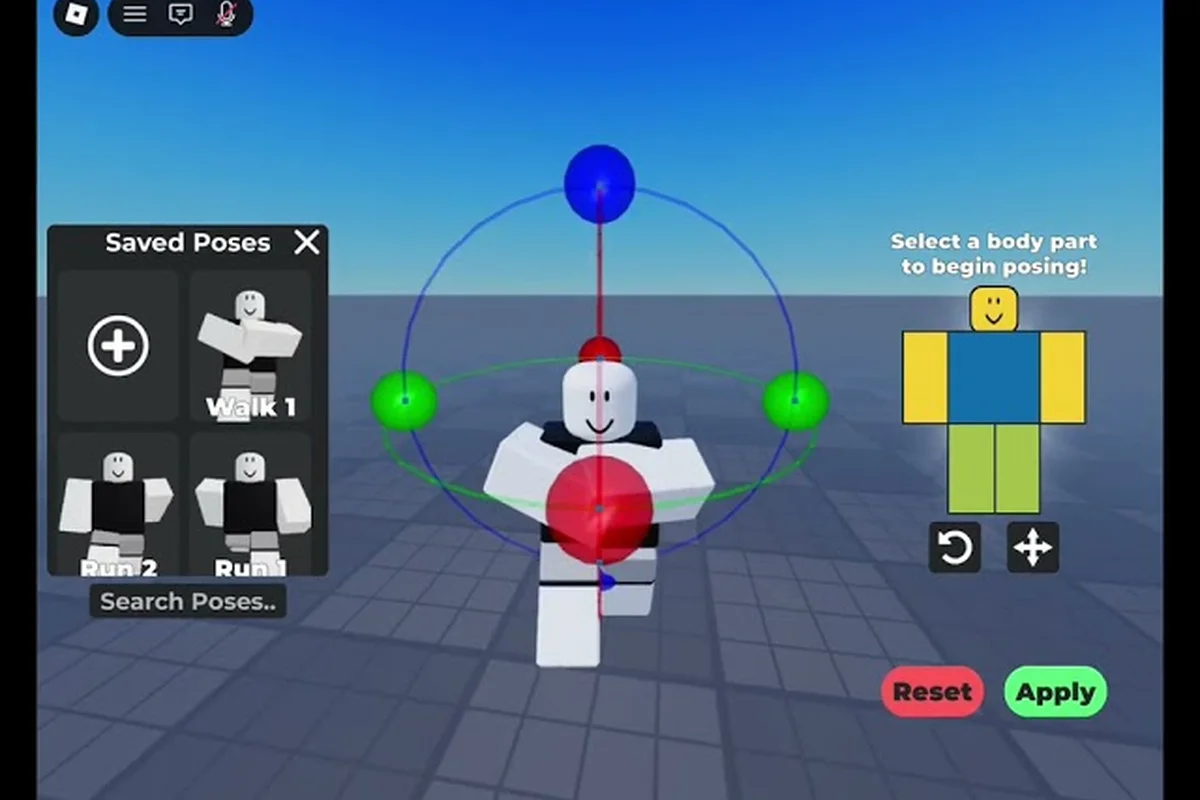
Catalog Avatar Creator animation slots: equip and preview
Learn how to equip Catalog Avatar Creator animation slots for walk, run, and idle. Preview each pack before buying and switch between anime and combat styles.
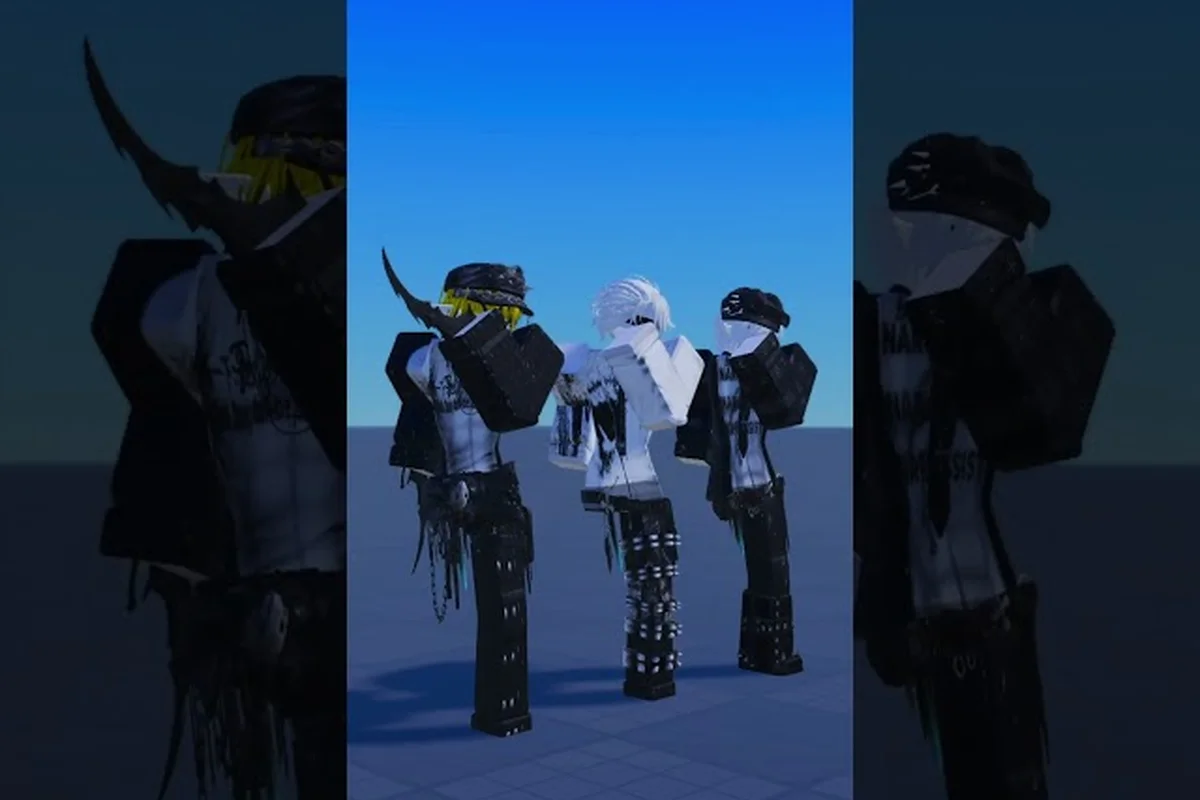
Catalog Avatar Creator dance animations: best packs ranked
Rank the best Catalog Avatar Creator dance animations and meme emotes. Learn to equip dance packs, preview moves, and find community favorite IDs.
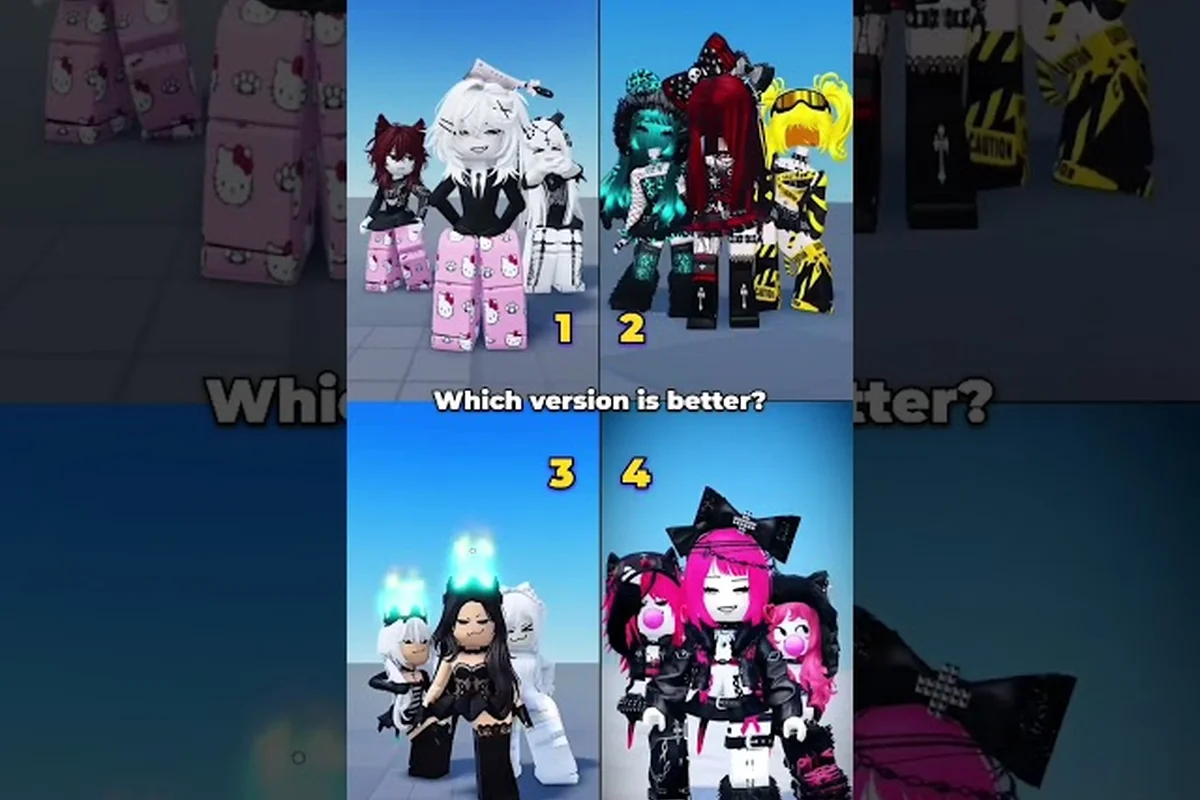
Catalog Avatar Creator emote wheel: dances and removals
Master the Catalog Avatar Creator emote wheel to trigger dances and emotes. Learn to remove unwanted animations and rank the best community picks.