
Fan-Made Community Wiki
Catalog Avatar Creator Wiki — Outfit Codes, Items & Guides
Try on millions of Roblox catalog items for free, build the perfect avatar, publish outfit codes, and shop 50M+ community outfits in the #1 in-experience avatar editor.
How to Play & Try On — Community Guide
Latest Updates
 NEW
NEWCatalog Avatar Creator item rarity: value and limiteds
Understand Catalog Avatar Creator item rarity and how values follow the Roblox economy. Spot limiteds, UGC demand, and cheap classics before buying.
Read more → NEW
NEWCatalog Avatar Creator accessory guide with top hat picks
Master the Catalog Avatar Creator accessory guide for 2026. Browse top hats, glasses ideas, and hair colors, then match pieces across all five body slots.
Read more → NEW
NEWCatalog Avatar Creator accessory value: UGC hats ranked
Understand Catalog Avatar Creator accessory value through community tier thoughts. Spot versatile UGC hats, crowns, halos, and cat ears before you buy.
Read more → NEW
NEWCatalog Avatar Creator chain accessories necklace styling
Style Catalog Avatar Creator chain accessories with scarves, collars, and chains. Pair neck pieces with shoulder, waist, and back slots for layered outfits.
Read more →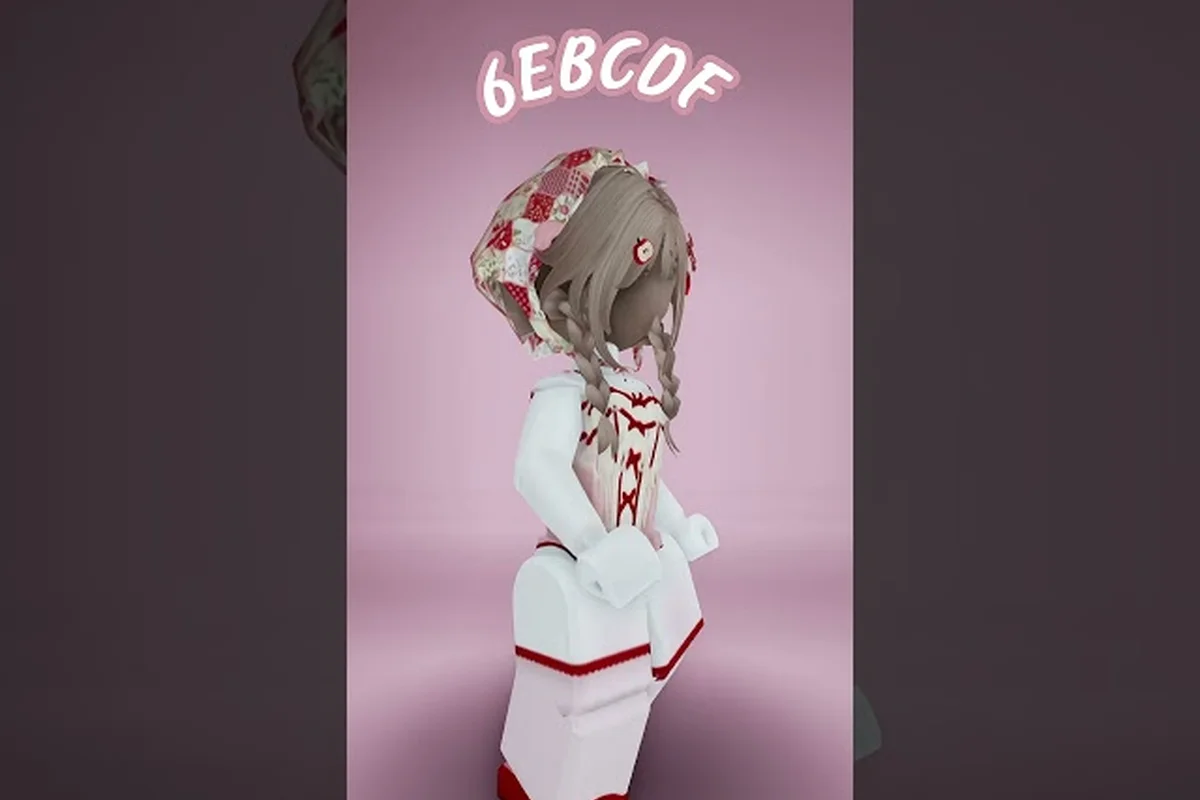 NEW
NEWCatalog Avatar Creator clothing prices: free to limiteds
Compare Catalog Avatar Creator clothing prices from free classics to limited UGC. Spot value in graphic tees, tuxedos, and dresses that can appreciate.
Read more →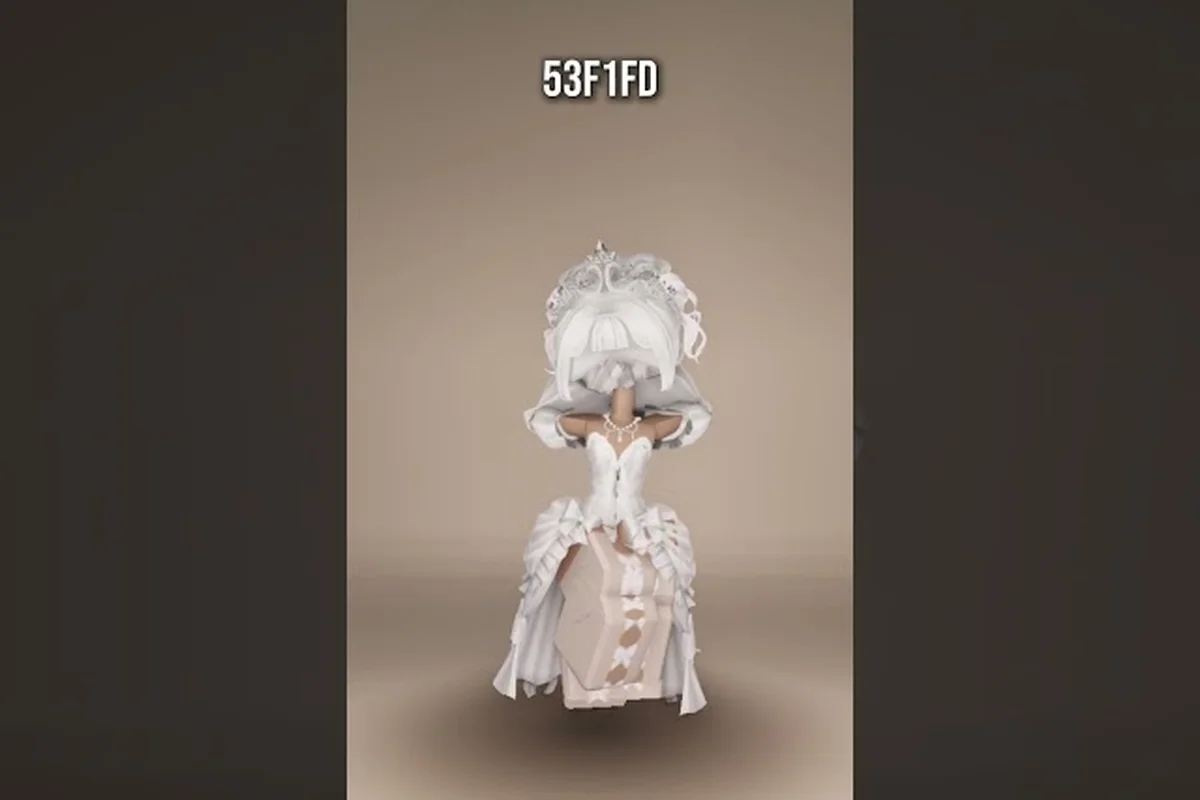
Catalog Avatar Creator skirt pants: emo to kawaii styles
Mix Catalog Avatar Creator skirt pants with emo, goth, aesthetic, kawaii, and sporty tops. Build themed outfits with shirts, jackets, and shoes.
Read more →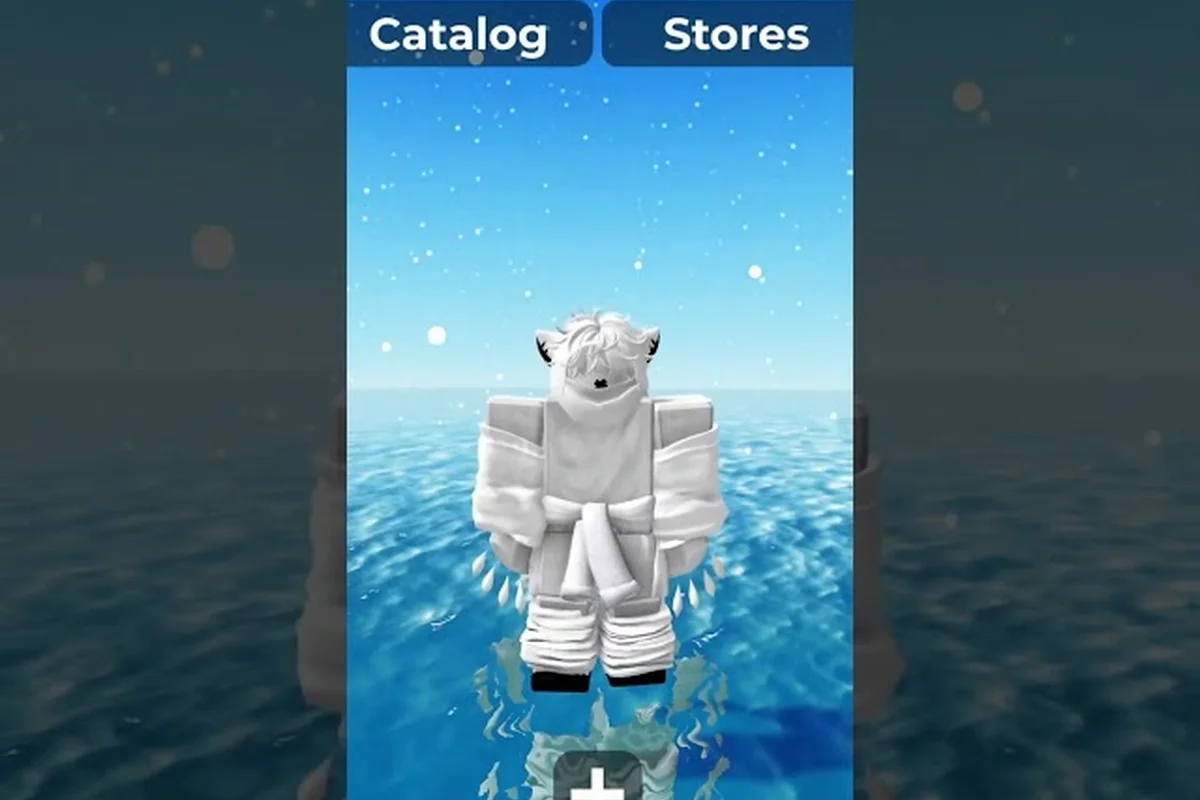
Catalog Avatar Creator head shapes: bundles and rare picks
Explore Catalog Avatar Creator head shapes from classic Roblox bodies to rare headless items. Learn how head bundles replace your face canvas instantly.
Read more →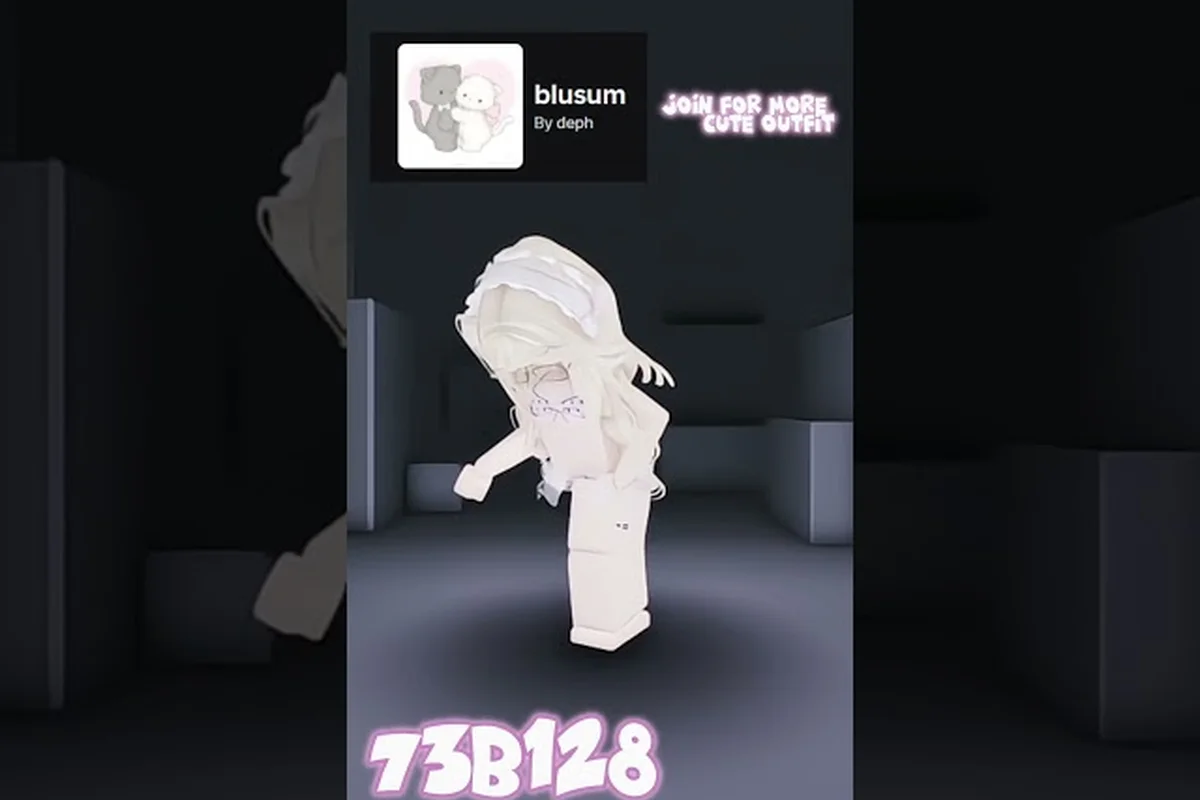
Catalog Avatar Creator outfit sharing: publish your looks
Learn outfit sharing in Catalog Avatar Creator: publish looks, copy codes, and load community outfits. Share your style on Discord and grow your audience.
Read more →
Catalog Avatar Creator item search guide: filters and sort
Master the Catalog Avatar Creator item search guide with filters for type, price, and rarity. Sort by popular, trending, or newest to find must-haves.
Read more →
Catalog Avatar Creator in depth guide to the editor
Dive into the Catalog Avatar Creator in depth guide for 2026. Master the editor's do's and don'ts, try on millions of items, and enter outfit codes like a pro.
Read more →NEWCatalog Avatar Creator item rarity: value and limiteds
Understand Catalog Avatar Creator item rarity and how values follow the Roblox economy. Spot limiteds, UGC demand, and cheap classics before buying.
Read more →NEWCatalog Avatar Creator accessory guide with top hat picks
Master the Catalog Avatar Creator accessory guide for 2026. Browse top hats, glasses ideas, and hair colors, then match pieces across all five body slots.
Read more →NEWCatalog Avatar Creator accessory value: UGC hats ranked
Understand Catalog Avatar Creator accessory value through community tier thoughts. Spot versatile UGC hats, crowns, halos, and cat ears before you buy.
Read more →NEWCatalog Avatar Creator chain accessories necklace styling
Style Catalog Avatar Creator chain accessories with scarves, collars, and chains. Pair neck pieces with shoulder, waist, and back slots for layered outfits.
Read more →NEWCatalog Avatar Creator clothing prices: free to limiteds
Compare Catalog Avatar Creator clothing prices from free classics to limited UGC. Spot value in graphic tees, tuxedos, and dresses that can appreciate.
Read more →Catalog Avatar Creator skirt pants: emo to kawaii styles
Mix Catalog Avatar Creator skirt pants with emo, goth, aesthetic, kawaii, and sporty tops. Build themed outfits with shirts, jackets, and shoes.
Read more →Catalog Avatar Creator head shapes: bundles and rare picks
Explore Catalog Avatar Creator head shapes from classic Roblox bodies to rare headless items. Learn how head bundles replace your face canvas instantly.
Read more →Catalog Avatar Creator outfit sharing: publish your looks
Learn outfit sharing in Catalog Avatar Creator: publish looks, copy codes, and load community outfits. Share your style on Discord and grow your audience.
Read more →Catalog Avatar Creator item search guide: filters and sort
Master the Catalog Avatar Creator item search guide with filters for type, price, and rarity. Sort by popular, trending, or newest to find must-haves.
Read more →Catalog Avatar Creator in depth guide to the editor
Dive into the Catalog Avatar Creator in depth guide for 2026. Master the editor's do's and don'ts, try on millions of items, and enter outfit codes like a pro.
Read more →Featured Guides
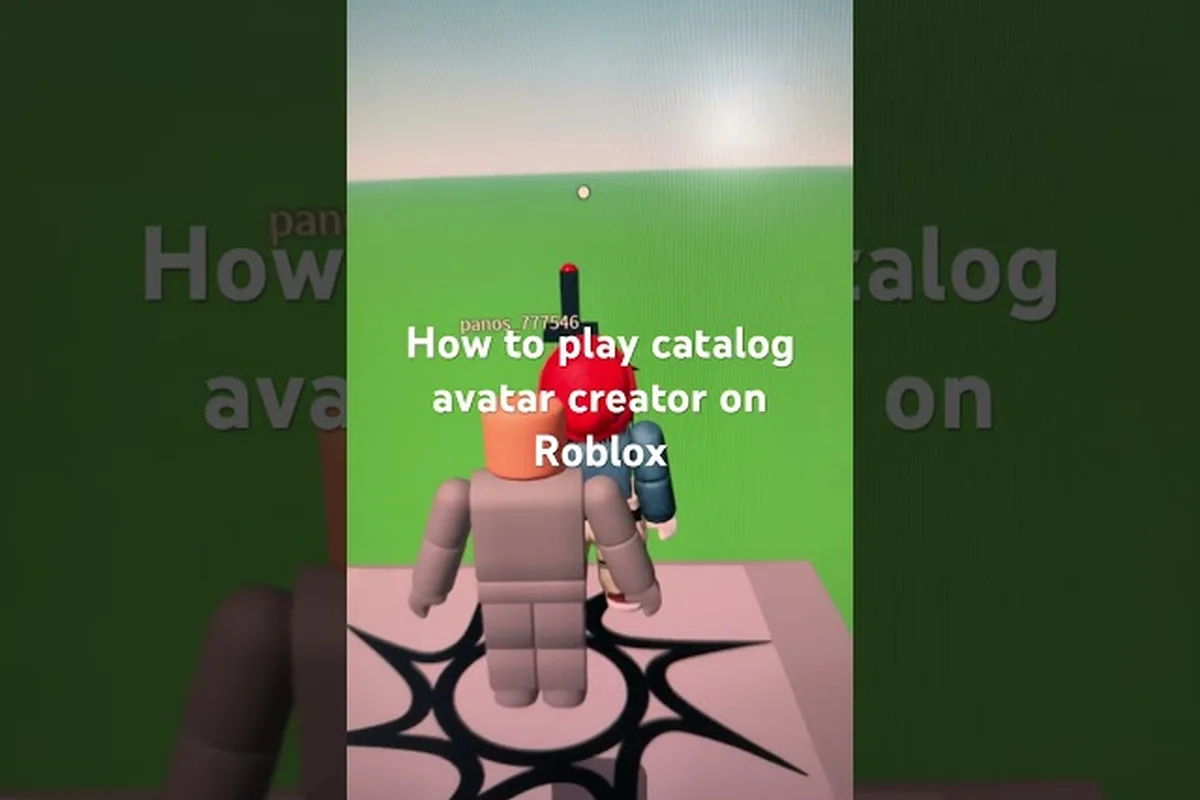
Catalog Avatar Creator first time playing: try on and save
New to Catalog Avatar Creator first time playing? Browse the catalog, try on items free, buy with Robux, and save avatars to switch anytime.
Read more →
Catalog Avatar Creator how to change your avatar look
Learn how to change your avatar in Catalog Avatar Creator. Master the editor, load 50M+ community outfits, and create your first look effortlessly.
Read more →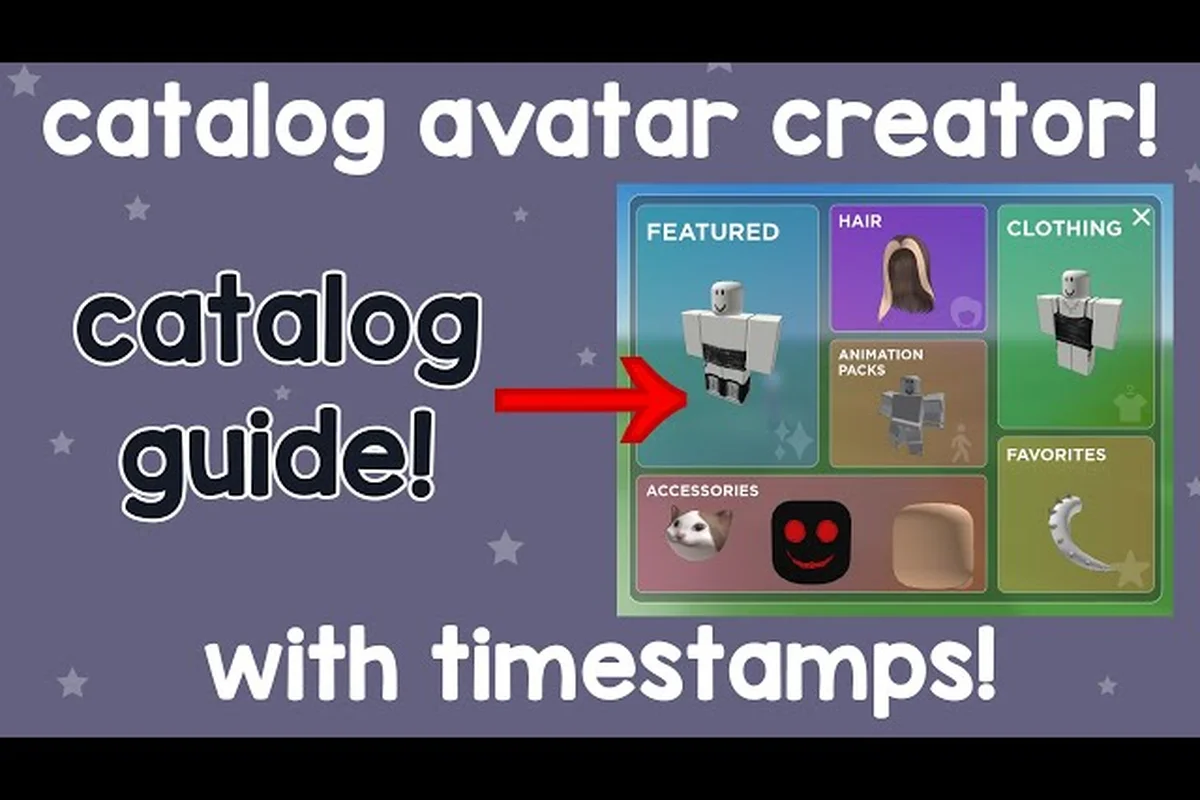
Catalog Avatar Creator beginner guide: enter codes & save
Master the Catalog Avatar Creator beginner guide and start styling free. Enter outfit codes, use price filters for 0-Robux looks, and favorite items fast.
Read more →
Catalog Avatar Creator how to customize your avatar editor
Explore how to customize your avatar in Catalog Avatar Creator's full editor. Randomize looks, favorite items, and combine accessories and hair combos for free.
Read more →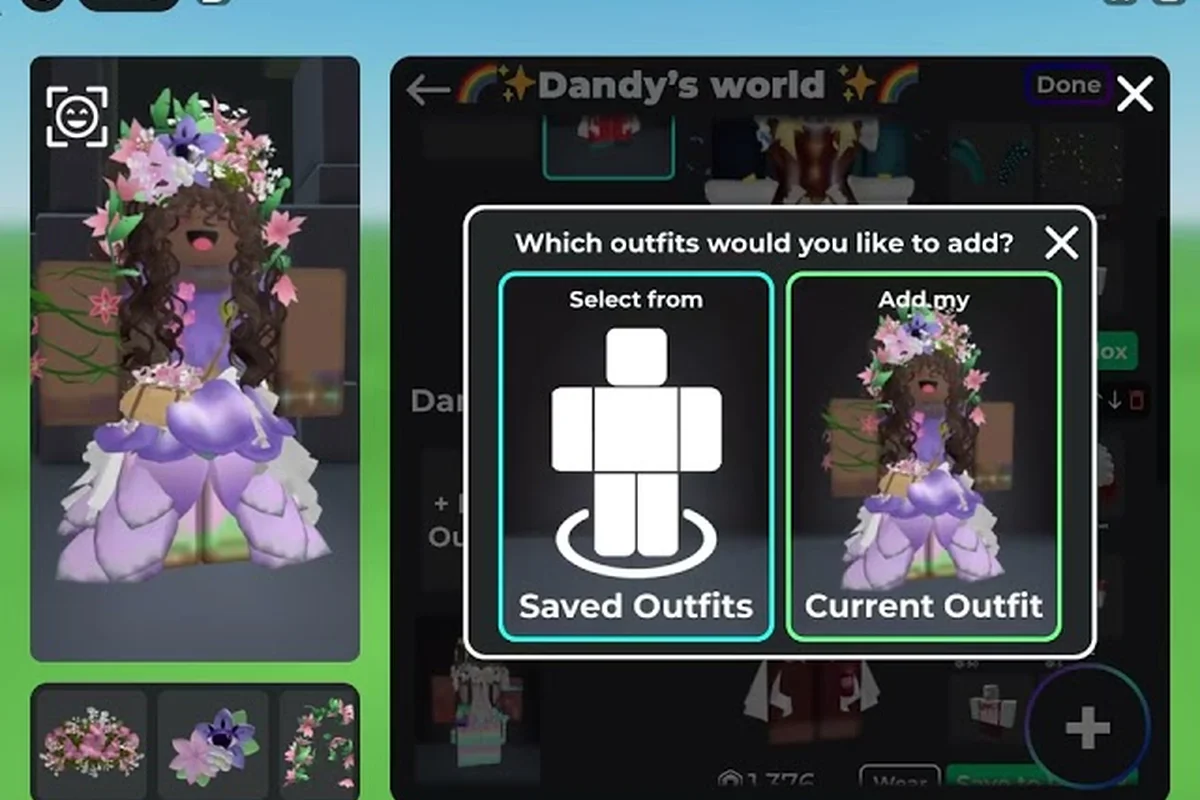
Catalog Avatar Creator how to follow creators guide
Discover how to follow creators in Catalog Avatar Creator and avoid beginner mistakes. Get community tips including price filters and favoriting items.
Read more →
Catalog Avatar Creator how to make a good avatar outfit
Understand how to make a good avatar in Catalog Avatar Creator. Publish designs, copy community looks, and build stylish outfits without spending Robux.
Read more →
Catalog Avatar Creator mobile guide: touch controls on phone
Play Catalog Avatar Creator mobile guide on iOS and Android. Get touch control tips, avoid mistakes, and use the same catalog and outfit-code menus on the go.
Read more →
Catalog Avatar Creator step by step guide: full walkthrough
Follow the Catalog Avatar Creator step by step guide to master every feature. Enter outfit codes and earn the Outfit Designer role with this walkthrough.
Read more →Catalog Avatar Creator in depth guide to the editor
Dive into the Catalog Avatar Creator in depth guide for 2026. Master the editor's do's and don'ts, try on millions of items, and enter outfit codes like a pro.
Read more →
Catalog Avatar Creator walkthrough: tutorial and FAQ for PC
Complete the Catalog Avatar Creator walkthrough with this tutorial and FAQ. Learn PC controls, browse the catalog, and unlock the Outfit Designer role.
Read more →Catalog Avatar Creator first time playing: try on and save
New to Catalog Avatar Creator first time playing? Browse the catalog, try on items free, buy with Robux, and save avatars to switch anytime.
Read more →Catalog Avatar Creator how to change your avatar look
Learn how to change your avatar in Catalog Avatar Creator. Master the editor, load 50M+ community outfits, and create your first look effortlessly.
Read more →Catalog Avatar Creator beginner guide: enter codes & save
Master the Catalog Avatar Creator beginner guide and start styling free. Enter outfit codes, use price filters for 0-Robux looks, and favorite items fast.
Read more →Catalog Avatar Creator how to customize your avatar editor
Explore how to customize your avatar in Catalog Avatar Creator's full editor. Randomize looks, favorite items, and combine accessories and hair combos for free.
Read more →Catalog Avatar Creator how to follow creators guide
Discover how to follow creators in Catalog Avatar Creator and avoid beginner mistakes. Get community tips including price filters and favoriting items.
Read more →Catalog Avatar Creator how to make a good avatar outfit
Understand how to make a good avatar in Catalog Avatar Creator. Publish designs, copy community looks, and build stylish outfits without spending Robux.
Read more →Catalog Avatar Creator mobile guide: touch controls on phone
Play Catalog Avatar Creator mobile guide on iOS and Android. Get touch control tips, avoid mistakes, and use the same catalog and outfit-code menus on the go.
Read more →Catalog Avatar Creator step by step guide: full walkthrough
Follow the Catalog Avatar Creator step by step guide to master every feature. Enter outfit codes and earn the Outfit Designer role with this walkthrough.
Read more →Catalog Avatar Creator in depth guide to the editor
Dive into the Catalog Avatar Creator in depth guide for 2026. Master the editor's do's and don'ts, try on millions of items, and enter outfit codes like a pro.
Read more →Catalog Avatar Creator walkthrough: tutorial and FAQ for PC
Complete the Catalog Avatar Creator walkthrough with this tutorial and FAQ. Learn PC controls, browse the catalog, and unlock the Outfit Designer role.
Read more →Your Avatar Creator Journey
New to Catalog Avatar Creator? Follow this path from your first free try-on to your very own UGC store.
Beginner Guide
Your first visit: try on free catalog items, build a look, save it to your Roblox avatar, and start buying items that sync to your inventory.
Read moreOutfit Codes & Community Outfits
Get and enter outfit codes, browse 50M+ community outfits, and publish your own looks for the world to try on.
Read moreFree Outfits & 0 Robux Items
Find completely free outfits and zero-cost catalog items so you can look great without spending a single Robux.
Read moreUGC Stores
Open your own free storefront, publish UGC, and earn Robux as other players buy your avatar items.
Read moreAnimation Packs
Try on the latest UGC animation packs and give your avatar custom walk, run, and idle animations.
Read moreEverything You Need to Build Your Perfect Avatar
Dive into the ten core pillars of Catalog Avatar Creator — from your first guide to publishing your own UGC store.
Beginner Guides
Step-by-step walkthroughs for your first session: try on free catalog items, build a look, save it to your Roblox avatar, and make your first purchase that syncs to your inventory.
Catalog Items
Everything about the in-game catalog: item types, search and filters, rarity and value, limiteds, free items, and the bulk purchase system that buys an entire outfit at once.
Hats, Hair & More
Hats, hair, glasses, neck, shoulder, waist, front and back accessories — learn how to stack accessory slots, match styles, and find the best free options in the catalog.
Shirts, Pants & Layers
Shirts, pants, t-shirts, layered clothing, jackets and shoes — build outfits with classic and UGC clothing, and pair tops with bottoms for the perfect silhouette.
Classic & UGC Faces
Classic faces, expressive new styles, and meme faces — pick the right expression to finish your avatar and match it with hair and accessories.
R15, R6 & Proportions
Heads, torsos, arms and legs — switch between R15 and R6 body types, adjust proportions, and use body bundles to change your avatar's whole frame.
Animation Packs
Try on UGC animation packs and give your avatar custom walk, run, idle and dance animations — one of the newest and fastest-growing catalog categories.
Outfit Codes & Combos
Get an outfit code for any look, enter codes to load other players' outfits, browse 50M+ community creations, and publish your own outfit for the world.
Open Your Own Store
Open your own free in-game storefront, combine catalog sections into a personalized shop, publish UGC items, and earn Robux when players buy your creations.
Update Log
Every patch, new item drop, animation pack release, and feature addition documented in chronological order — bookmark this to stay ahead of every catalog trend.
What is Catalog Avatar Creator?
Catalog Avatar Creator is the #1 in-experience Roblox avatar editor by Muneeb, where you can try on and buy millions of catalog items — hats, hair, faces, accessories, clothing, limiteds, bundles, and UGC animation packs — all without leaving the game. Every item you purchase lands in your Roblox inventory and works in every other game.
Free Try-On Catalog
Try on millions of catalog items for free before you buy — build a full look without spending a single Robux.
Outfit Codes & 50M+ Outfits
Load any community outfit instantly with a code, or publish your own design for the world to try on.
UGC Stores & Robux
Open a free in-game storefront, publish UGC items, and earn Robux when players buy your creations.
Animation Packs & Bulk Purchase
Equip UGC walk, run and idle animations, then buy an entire outfit at once with Bulk Purchase.
Beyond the catalog, the game hosts over 50 million community-created outfits. You can browse trending looks, load any outfit with a code, publish your own designs, and even open a free UGC store to sell items and earn Robux. Winner of the "Best Use of Fashion" Roblox Innovation Award in 2023 and 2024.
Developer
Muneeb
Platform
Roblox
Genre
Avatar Shopping / Fashion
Visits
7.6B+
Favorites
5.6M+
Like Ratio
93%
Community Outfits
50M+
Active Players
88K+
Most Popular Item Types
The catalog is built around eight core item types. See how popular each type is, what it costs, and who it suits best before you start shopping.
Outfit Themes
Every community outfit follows a theme. Match your vibe to the right items and browse the catalog with a clear style direction in mind.
Kawaii
Key Items: Pink hair, bows, plush accessories
Anime
Key Items: Big eyes, school outfits, colorful hair
Streetwear
Key Items: Hoodies, chains, sneakers, caps
Emo
Key Items: Black hair, band tees, skinny pants
Goth
Key Items: Black, lace, occult symbols, dark makeup
Formal
Key Items: Tuxedos, dresses, heels, ties
Sporty
Key Items: Jerseys, track pants, sneakers
Cozy
Key Items: Sweaters, beanies, warm colors
Best Animation Packs
UGC animation packs change how your avatar walks, runs, idles, dances and emotes. These are the pack types players try on most in the editor.
Accessory Slots
Accessories attach to eight separate slots on your avatar. Stack them smartly and every layer adds personality to the final look.
Hats
Styling Tip: Pick one hero hat to anchor the whole look
Hair
Styling Tip: Match hair color to your outfit palette
Face
Styling Tip: Layer over a face to add instant character
Neck
Styling Tip: Add a focal point near the face
Shoulders
Styling Tip: Frame the upper body for a stronger line
Waist
Styling Tip: Break up the torso line between top and bottom
Front
Styling Tip: Add detail at the center of the torso
Back
Styling Tip: Balance the silhouette from behind
Catalog Avatar Creator FAQ
Is trying on items really free?+
Yes. Every single item in the Catalog Avatar Creator catalog can be tried on for free before you buy anything. You can preview hats, hair, faces, accessories, clothing, bundles and even UGC animation packs on your avatar in the editor, and the try-on is instant. This makes the game the perfect place to experiment with new looks without spending Robux. Only when you decide you love an item do you purchase it, and that purchase lands in your Roblox inventory for use everywhere.
How do outfit codes work?+
Outfit codes are short alphanumeric codes that load an entire community-created outfit onto your avatar with one entry. Find an outfit you like in the community feed, copy its code, open the outfit-code menu, paste it, and the full look loads instantly for preview. You can then save it to your avatar or buy the whole outfit in one bulk purchase. You can also publish your own outfits and share their codes with friends.
How do I get free outfits?+
Free outfits are built entirely from 0-Robux catalog items. Filter the catalog by price to show only free items, then combine free hats, hair, faces, clothing and accessories into a complete look. Thousands of completely free community outfits are also tagged in the community feed, so you can load a proven free design with one code instead of hunting for items yourself.
How do UGC stores work?+
UGC stores let any qualifying player open a free, personalized storefront inside the game. You combine catalog sections into your own shop layout, publish UGC items you have created, and earn Robux when other players buy them. Publishing a store also unlocks the UGC Creator role in the official Roblox group. The game is one of the biggest UGC selling platforms on Roblox, so a well-promoted store can earn steady Robux.
How do I use animation packs?+
Animation packs are equippable UGC items that change your avatar's walk, run, idle, dance or emote animations. You can try on any pack in the editor before buying, just like a hat or shirt. Once equipped, the animation applies to your avatar across Roblox games that support R15. New packs drop regularly, and they are one of the fastest-growing categories in the catalog.
What is Bulk Purchase?+
Bulk Purchase is a Roblox checkout feature integrated into Catalog Avatar Creator that lets you buy an entire outfit at once instead of checking out each item individually. When you find a community outfit you love, one button buys every catalog item in that look that you do not already own. It is the fastest way to replicate a full outfit, and it is especially useful for expensive multi-item looks.
How do I save my avatar to Roblox?+
In the editor, assemble your look and press the save button to sync it to your actual Roblox avatar. The game saves the item list and applies it to your Roblox avatar, so your new look shows up everywhere you play. You can also keep multiple saved looks inside the game and switch between them anytime without changing your Roblox avatar until you choose to save again.
How often does the game update?+
Catalog Avatar Creator updates regularly with new catalog features, item drops and community events. Major milestones include the UGC Stores rollout, the Roblox Bulk Purchase API integration, and the addition of try-on-able UGC animation packs. The game also won the Best Use of Fashion Roblox Innovation Award in both 2023 and 2024. Check the Updates hub for a full chronological changelog.
Ready to Build Your Perfect Avatar?
Try on free catalog items, load community outfits, publish your own looks, and open a UGC store today.