
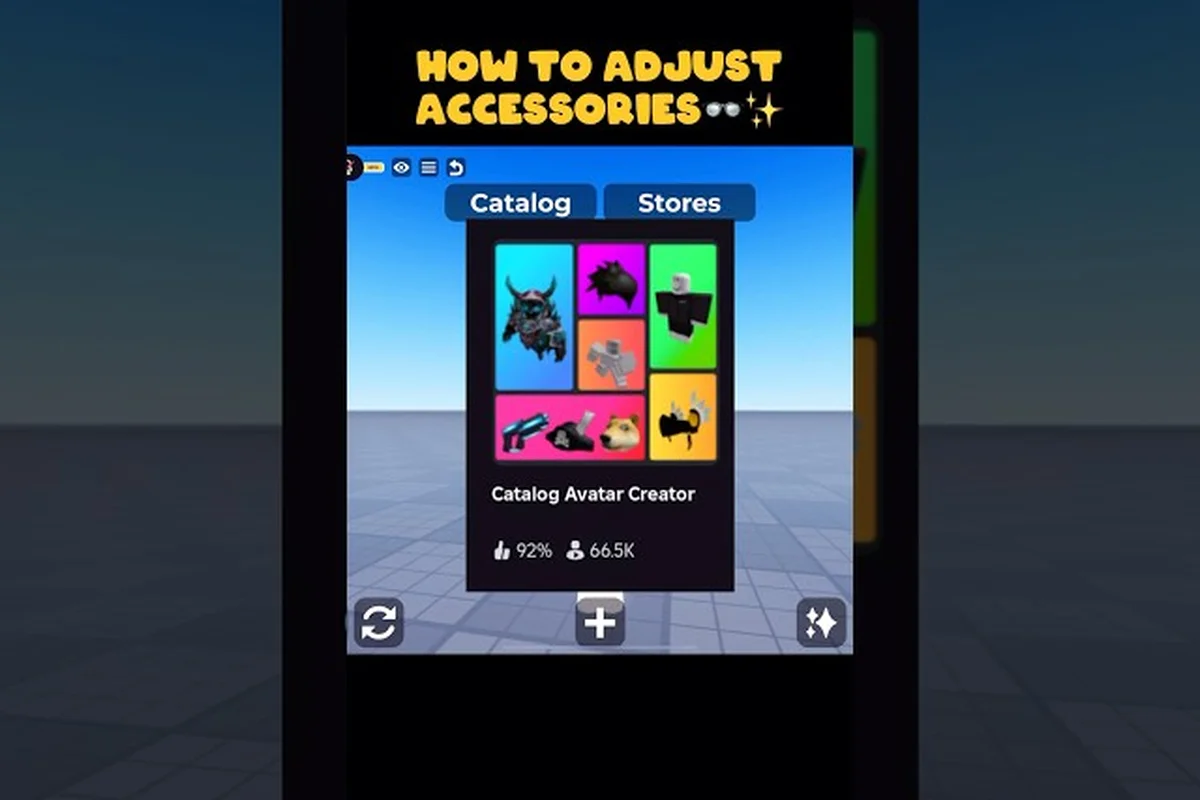
Catalog Avatar Creator chain accessories are the quickest way to elevate a plain avatar into a polished, layered look because the neck slot sits at the visual center of your character. Whether you are styling a sleek choker, a heavy metal chain, or a draped scarf, mastering this slot changes how every other accessory reads on your screen. The neck area connects your face, hair, and torso, so getting the combination right makes the entire outfit feel intentional rather than accidental.
The game's accessory system gives you five body slots beyond hats and hair: neck, shoulders, waist, front, and back. According to the official Catalog Avatar Creator page on Roblox, neck accessories include scarves, collars, and chains, while shoulders handle pads and capes, waist covers belts and sashes, front takes badges and ties, and back holds wings and backpacks. Stacking all five slots plus a hat, hair, and face creates a fully layered avatar, which is exactly what you want when aiming for that premium, detailed aesthetic.
Understanding the Neck Slot for Chain Accessories
The neck slot is the anchor point for Catalog Avatar Creator chain accessories, and it behaves differently from other slots because of its central position. When you equip a chain or collar, it visually overlaps with the bottom of your face, the top of your torso, and the edges of any shoulder pieces you have active. This overlap means you need to think about the neck piece first, then build outward, rather than treating it as an afterthought.
The game's catalog organizes neck items into three main categories: chains, collars, and scarves. Chains range from thin silver links to chunky gold pendants, collars include leather, spiked, and futuristic designs, and scarves cover casual wraps and formal drapes. Each category changes the silhouette differently, so your choice here sets the tone for the entire outfit.
How Neck Pieces Interact with Other Slots
Because the neck slot sits between your face and torso, it creates a visual bridge that can either unify or clash with your other accessories. A heavy chain paired with a busy front badge can crowd the chest area, while a slim choker leaves room for a bold tie or pendant. The game's layering system renders neck items on top of the torso but underneath shoulder pieces, which means capes and pads will partially cover your chain if they extend inward.
Community reports from the official Discord server suggest that metal consistency is the most common styling mistake. Players who mix gold chains with silver earrings or buckles often find their outfits look disjointed, even when each piece is strong on its own. The recommendation is to keep all visible metals in the same family, so if your Catalog Avatar Creator chain accessories use gold tones, your ear accessories and belt buckles should follow suit.
Why the Neck Slot Matters for First Impressions
Your avatar's face and neck are the first things other players see in the catalog preview, in your profile card, and during in-game interactions. A well-chosen chain accessory frames the face and adds depth to what might otherwise be a flat character model. This is especially important if you are using a simple face or minimal hair, because the neck piece becomes the primary statement element.
The neck slot also affects how your avatar reads in thumbnails and small preview windows. Since the game compresses your avatar into tiny icons for search results and friend lists, bold neck pieces with strong silhouettes remain visible at small sizes, while delicate details disappear. If you want your avatar to stand out in a crowded catalog, a chunky chain or distinctive collar is a practical choice, not just a stylistic one.
Building a Catalog Avatar Creator Accessory Tier List
| Accessory Slot | Example Chain Items | Layering Capacity | Styling Notes |
|---|---|---|---|
| Neck | Scarves, collars, chains | 1 per slot | Pairs with front badges for layered chest looks |
| Shoulders | Pads, capes | 1 per slot | Capes can clip with back wings—test before saving |
| Waist | Belts, sashes | 1 per slot | Gold belts match gold chains for metal consistency |
| Front | Badges, ties | 1 per slot | Ties + neck chains create formal layered outfits |
| Back | Wings, backpacks | 1 per slot | Avoid combining with large shoulder capes to reduce clipping |
When you are trying to decide which neck pieces are worth your Robux or your time, a Catalog Avatar Creator accessory tier list helps you prioritize. The community has ranked neck accessories based on versatility, visual impact, and how well they pair with other slots. While personal taste always matters, some pieces consistently outperform others across different outfit styles.
| Tier | Neck Accessory Type | Best For | Versatility Score |
|---|---|---|---|
| S | Classic silver chain | Streetwear, casual, formal | 9/10 |
| S | Thin gold pendant | Minimalist, luxury, date looks | 8/10 |
| A | Leather collar | Punk, goth, edgy outfits | 7/10 |
| A | Draped scarf | Cozy, academic, fall vibes | 7/10 |
| B | Spiked choker | Rock, alternative styles | 5/10 |
| B | Heavy medallion | Hip-hop, statement looks | 5/10 |
| C | Oversized fur wrap | Fantasy, winter themes | 3/10 |
The S-tier pieces earn their rank because they work across multiple aesthetic categories without dominating the outfit. A classic silver chain, for example, pairs equally well with a hoodie, a suit jacket, or a casual tee, which makes it a safe first purchase. The A-tier items are more style-specific but still flexible enough to rotate between several outfits. The B-tier and C-tier pieces are fun for themed looks, but they restrict your options because they demand the rest of the outfit match their energy.
Top Neck Pieces for Different Aesthetics
If you are building a streetwear look, the classic silver chain is the community favorite because it reads as both casual and intentional. For a gothic or alternative aesthetic, the leather collar with metal studs is the go-to choice, especially when paired with dark hair and a neutral face. The draped scarf works best for academic or cozy outfits, and it pairs surprisingly well with glasses and soft hair colors.
The heavy medallion is the strongest option for hip-hop inspired looks, but it requires the rest of your outfit to carry the same energy. Community testing shows that medallions clash with minimalist outfits because they draw too much attention to the chest area. If you are unsure which direction to go, the silver chain is the safest starting point because it adapts to nearly any style you want to explore.
How to Match Ear Accessories with Neck Pieces
Catalog Avatar Creator ear accessories need to coordinate with your neck piece, not compete with it. The general rule is that if your chain is bold and chunky, your earrings should be small and understated, while a slim choker gives you room for larger, more decorative earrings. This balance prevents the face area from feeling overcrowded, which is a common problem when players stack multiple statement pieces.
The community recommends matching the metal tone between earrings and chains, as mentioned earlier, but you should also consider the visual weight. A pair of large hoop earrings with a heavy medallion creates a cluttered silhouette, while small studs with the same medallion let the chain breathe. If you are wearing a collar that sits high on the neck, avoid long dangling earrings that might overlap with the collar's top edge.
Best Hair Combos for Chain Accessories
The best hair combos Catalog Avatar Creator players use with chain accessories depend on the length and volume of the hairstyle. Short hair and buzz cuts let the chain sit fully visible, which is ideal for statement pieces like medallions or chunky links. Medium-length hair that tucks behind the ears keeps the neck area clear while adding texture around the face, which works well with collars and chokers.
Long hair requires more careful consideration because it can cover the chain entirely, especially if the hairstyle has volume around the shoulders. The community recommendation is to pair long hair with high-collared neck pieces or chains that sit above the hairline, so the accessory remains visible. Alternatively, you can use hair that is tied back or styled away from the neck, which keeps the chain as the focal point.
| Hair Length | Best Chain Type | Why It Works |
|---|---|---|
| Buzz cut / short | Heavy medallion | Full visibility, strong statement |
| Medium (ear-length) | Classic silver chain | Balanced proportions |
| Shoulder-length | Thin gold pendant | Avoids visual clutter |
| Long (past shoulders) | High collar / choker | Stays visible above hair |
| Updo / ponytail | Draped scarf | Adds texture without covering |
Hair Color Coordination with Metals
The color of your hair affects how your chain accessories read, because the metal tone needs contrast to stand out. Dark hair makes silver and white-gold chains pop, while light hair benefits from gold or bronze tones that provide separation. If you have a colorful or unnatural hair color, neutral metals like silver and gunmetal tend to work best because they do not fight with the hair for attention.
Community data from the Discord styling threads suggests that matching hair color to your hat or glasses is one of the most-requested tips, and the same logic applies to chains. If your hair has warm undertones, warm metals like gold and copper will feel cohesive, while cool-toned hair pairs better with silver and platinum. This is not a hard rule, but it creates a more polished result than randomly mixing tones.
Hat Combinations That Work with Neck Pieces
Catalog Avatar Creator hat combinations need to account for the neck piece, especially when the hat adds visual weight to the upper body. A wide-brimmed hat or a beanie with a chunky chain can feel top-heavy, while a cap or headband leaves the neck area free for the accessory to shine. The key is to balance the visual weight between the top of the head and the neck.
For streetwear looks, a beanie with a classic silver chain is a community favorite because both pieces carry a casual, urban energy. For formal outfits, a fedora or flat cap with a thin gold pendant creates an elegant silhouette. If you are wearing a scarf, avoid hats with heavy textures like fur or knit patterns, because the combination can feel overwhelming around the face.
How to Get More Accessory Slots in Catalog Avatar Creator
Many players wonder how to get more accessory slots in Catalog Avatar Creator, because the default five body slots feel limiting when you are trying to build a complex outfit. The good news is that the game already gives you access to all five slots from the start, but the real challenge is learning to use them effectively rather than unlocking additional capacity. Each slot accepts one accessory, so your layering options come from choosing the right piece for each position.
The five body slots break down as follows: neck for scarves, collars, and chains, shoulders for pads and capes, waist for belts and sashes, front for badges and ties, and back for wings and backpacks. When you combine these with a hat, hair, and face accessory, you can stack up to eight accessories on a single avatar. That is already a substantial amount of visual detail, and most players find that eight well-chosen pieces outperform fifteen randomly stacked ones. That is already a substantial amount of visual detail, and most players find that eight well-chosen pieces outperform fifteen randomly stacked ones, and since hair is often the most expressive of these, understanding how to coordinate it with your other accessories starts with learning how to change hair to match your chosen look.
Maximizing Your Existing Slots
The trick to maximizing your existing slots is to think in layers rather than in individual items. Start with the neck piece as your anchor, then add a shoulder piece that complements it, followed by a waist item that ties the look together. The front and back slots are your opportunity to add personality, but they should not compete with the neck piece for attention.
A practical example from community styling guides is the layered streetwear formula: a silver chain on the neck, a bomber jacket on the shoulders, a belt on the waist, a small badge on the front, and a backpack on the back. This combination uses all five slots without any single piece overwhelming the others, and it demonstrates how the slot system rewards coordination over quantity.
Common Slot Mistakes to Avoid
The most common slot mistake is treating every slot as a statement position. If you put a bold accessory in all five slots, the avatar becomes visually noisy and the individual pieces lose their impact. The community recommendation is to choose one or two statement pieces and let the other slots carry supporting items that fill out the silhouette.
Another mistake is ignoring the back slot entirely, which leaves the avatar feeling flat from behind. A backpack, wings, or even a subtle cape adds depth that makes your avatar look complete from every angle. If you are using a chain accessory, a back piece that matches the same metal tone or color family creates a cohesive look that reads well in motion.
Advanced Chain Accessory Styling Strategies
Once you have mastered the basics of the neck slot, you can start experimenting with more advanced styling strategies that push your avatar beyond the typical catalog look. The key is to treat the neck piece as part of a larger system that includes your face, hair, and the other four body slots, rather than as an isolated accessory. This holistic approach is what separates polished avatars from cluttered ones.
One advanced technique is color blocking with your chain. Instead of matching the chain to your other metals, you can use it as the accent color that ties together two otherwise unrelated parts of your outfit. For example, a gold chain can bridge a black outfit with gold-trimmed shoes, creating a deliberate color story that feels intentional.
Using Chains to Define Your Avatar's Identity
Your choice of chain accessory can communicate a lot about your avatar's personality before you even say anything in chat. A heavy medallion suggests confidence and a bold presence, while a slim choker reads as more refined and understated. The community has noticed that players often gravitate toward the same style of neck piece across all their outfits, which suggests that the chain becomes part of their avatar identity.
If you want to experiment with different identities, try creating multiple outfits that use different chain styles. A silver chain for your everyday look, a leather collar for a darker aesthetic, and a scarf for casual occasions gives you three distinct personas that you can switch between depending on your mood. This approach also helps you figure out which style feels most authentic to you.
Seasonal and Themed Chain Styling
Seasonal styling is another way to keep your avatar fresh, and chain accessories adapt well to seasonal themes. In the fall, draped scarves and warm-toned chains feel appropriate, while the winter season calls for heavier pieces that suggest warmth and layering. Spring and summer looks benefit from lighter chains and minimal collars that do not feel heavy in the warmer aesthetic.
Themed outfits are where the more specialized neck pieces shine. A spiked collar is perfect for a punk or gothic theme, while a fur wrap works for fantasy or winter-themed avatars. The community recommends keeping a few themed pieces in your inventory even if you do not use them daily, because they make it easy to participate in events or themed gatherings without starting from scratch.
Frequently Asked Questions
What are the best Catalog Avatar Creator chain accessories for beginners?
The classic silver chain is the best starting point because it pairs well with nearly any outfit style, from streetwear to formal looks. It is versatile enough to rotate across multiple outfits, and it does not demand that the rest of your avatar match its energy. Start with this piece before investing in more specialized options.
How do I match ear accessories with my chain necklace?
Keep the metal tones consistent between your earrings and your chain, and balance the visual weight between the two. If your chain is bold and chunky, choose small stud earrings, while a slim choker gives you room for larger decorative earrings. This prevents the face area from feeling overcrowded.
Can I wear multiple chain accessories at once?
No, the neck slot accepts only one accessory at a time, so you cannot stack multiple chains on the same slot. However, you can pair your neck piece with shoulder, waist, front, and back accessories to create a layered look. The key is choosing pieces that complement rather than compete with your chain.
How do I get more accessory slots in Catalog Avatar Creator?
The game already provides five body slots from the start, so there are no additional slots to unlock. You can stack a hat, hair, face accessory, and all five body items for a total of eight accessories. Focus on choosing the right piece for each slot rather than seeking more capacity.
What hair styles work best with chain accessories?
Short and medium-length hair works best because it keeps the neck area visible and lets the chain be the focal point. If you prefer long hair, choose high-collared neck pieces or styles that keep the hair away from the neck. The goal is to ensure your chain remains visible and does not get lost in the hair.