
Body Parts
Catalog Avatar Creator body parts — heads, torsos, arms and legs, R15 vs R6 body types, bundles, and how proportions change your avatar's whole silhouette.
Introduction
The Body Parts hub explains the frame your avatar is built on — the heads, torsos, arms, legs and body bundles that determine how every item fits and moves. In Catalog Avatar Creator, the two body systems are R15, which uses 15 articulated joints for smooth, modern animation, and R6, the classic blocky 6-part body. Your choice of body type changes which items fit best and how animations look. This hub covers switching between R15 and R6, adjusting proportions with body scale, using bundles to swap the entire frame at once, and how body proportions change an outfit's silhouette — a tall, thin body wears clothing completely differently from a short, muscular one.
Body Parts Quick Reference
| Body Part | Function | Options |
|---|---|---|
| Heads | Canvas for face and hats | Classic, custom, UGC |
| Torsos | Core silhouette | R15, R6, bundles |
| Arms | Arm length and style | R15 joints, R6 blocks |
| Legs | Height and proportions | Tall, short, thin |
| Body Bundles | Swap everything at once | Full-frame changes |
| Body Scale | Global size adjustment | Muscular, thin |
Body Part Guide
Heads
The canvas for your face and hats. Custom and UGC heads change the entire look, but they also change how faces and accessories render.
Torsos
The core of the silhouette and where most clothing attaches. Torso choice changes how shirts, jackets and waist accessories fit.
Arms
Arm length and style affect how sleeves and shoulder accessories sit. R15 arms articulate naturally; R6 arms are blocky and simple.
Legs
Legs determine height and proportions. Longer legs make an avatar read as tall and elegant, while shorter legs read as compact and cute.
Body Bundles
Pre-assembled frames that swap every body part at once. The fastest way to completely change your avatar's proportions and presence.
Body Scale
A global size adjustment that makes the whole frame more muscular or thinner. Scale dramatically changes how clothing drapes on the body.
Core Mechanics
The Roblox avatar has a body made of parts — head, torso, arms and legs — and the two body systems decide how they move. R15 uses 15 joints for smooth, expressive animation and supports modern animation packs. R6 is the original blocky body with six parts; it moves stiffly but has a nostalgic charm and some classic items fit it differently. You can switch your avatar between the two systems, and body scale adjusts the overall size of the frame. Body bundles swap every body part at once for a complete new frame, which is the fastest way to change your silhouette from tall and thin to short and muscular. Body type matters because clothing and accessories are fitted to the frame — a bundle designed for R15 will not look right on an R6 avatar.
Advantages
Understanding body parts is the key to making items fit and animate the way you expect. If your animation packs look wrong or your clothing stretches oddly, the cause is almost always a body-type mismatch, and this hub tells you exactly how to fix it. The R15 versus R6 guidance is genuinely useful because both systems have real fans: R15 is better for modern animation packs and expressive movement, while R6 is the classic look many nostalgic builds want. The bundle and body-scale coverage also helps you control silhouette, which changes how every outfit reads. Knowing your body system saves you from buying animation packs or bundles that do not fit your chosen frame.
Challenges
Body parts are the least visible but most consequential system in the editor, which makes mistakes easy to miss. The biggest issue is compatibility: R15 and R6 items are not fully interchangeable, and a bundle or animation pack built for one system can render poorly on the other. Custom and oversized heads can also stretch faces and hats in unexpected ways. Body proportions are permanent until you change them, so a dramatic scale change affects every existing outfit. Because Roblox updates body handling occasionally, guides should be treated as general guidance and the live preview as the final check before you commit to body-related purchases.
Frequently Asked Questions
What is the difference between R15 and R6?+
How do I change my body type?+
What do body bundles do?+
Do body proportions affect how clothes fit?+
Quick Tips
Match your animation packs to R15. If you want UGC walk, run and idle packs, make sure your avatar is on R15 first — packs designed for R15 will not play correctly on an R6 body. Switch before buying so your preview reflects the real result.
Preview after any body change. Switching body type or scale changes how every clothing item, accessory and face renders. After changing your frame, walk through your saved looks and re-check the ones that matter before you commit to new purchases.
Use bundles for dramatic changes. If you want a completely different silhouette, a body bundle swaps everything at once instead of tuning each part. Match the bundle to your body system and try it on with your favorite outfits before buying.
Featured
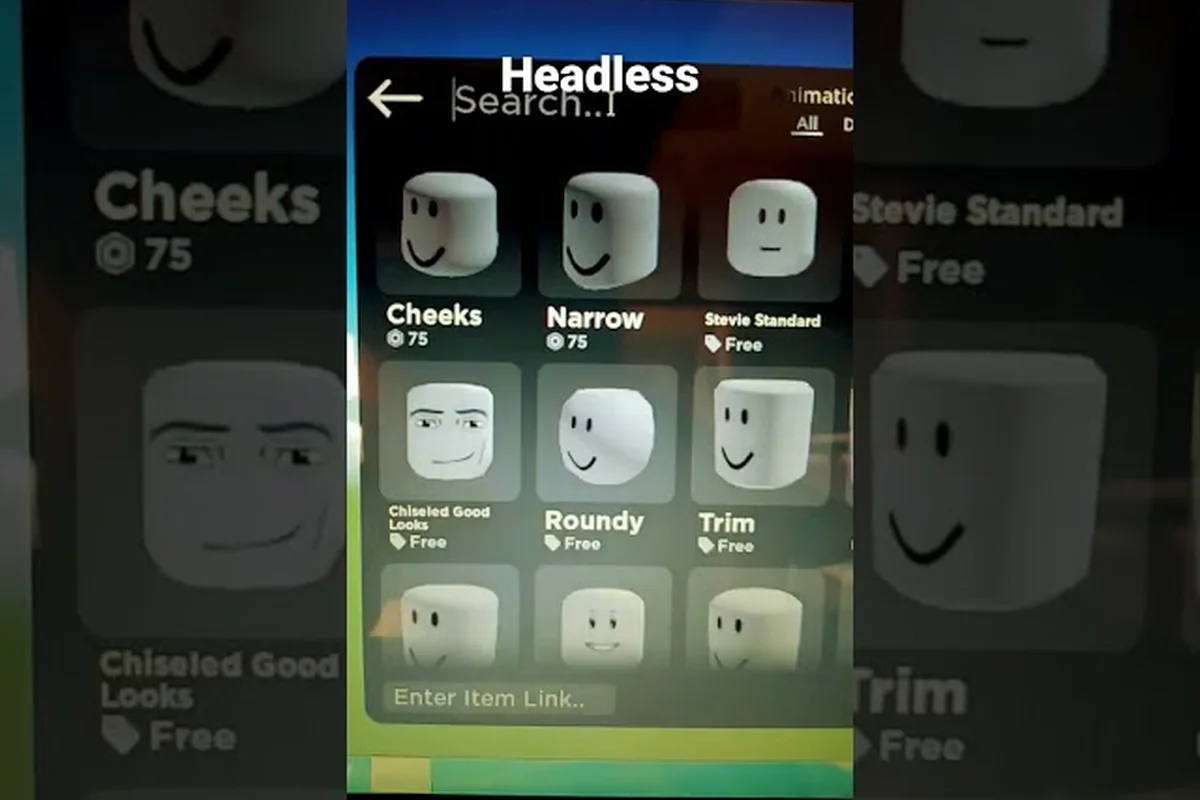
Catalog Avatar Creator heads, torsos, arms, and legs guide
Swap Catalog Avatar Creator heads, torsos, arms, and legs individually to reshape your frame. Compare R15 vs R6 joints and find the rarest headless parts.
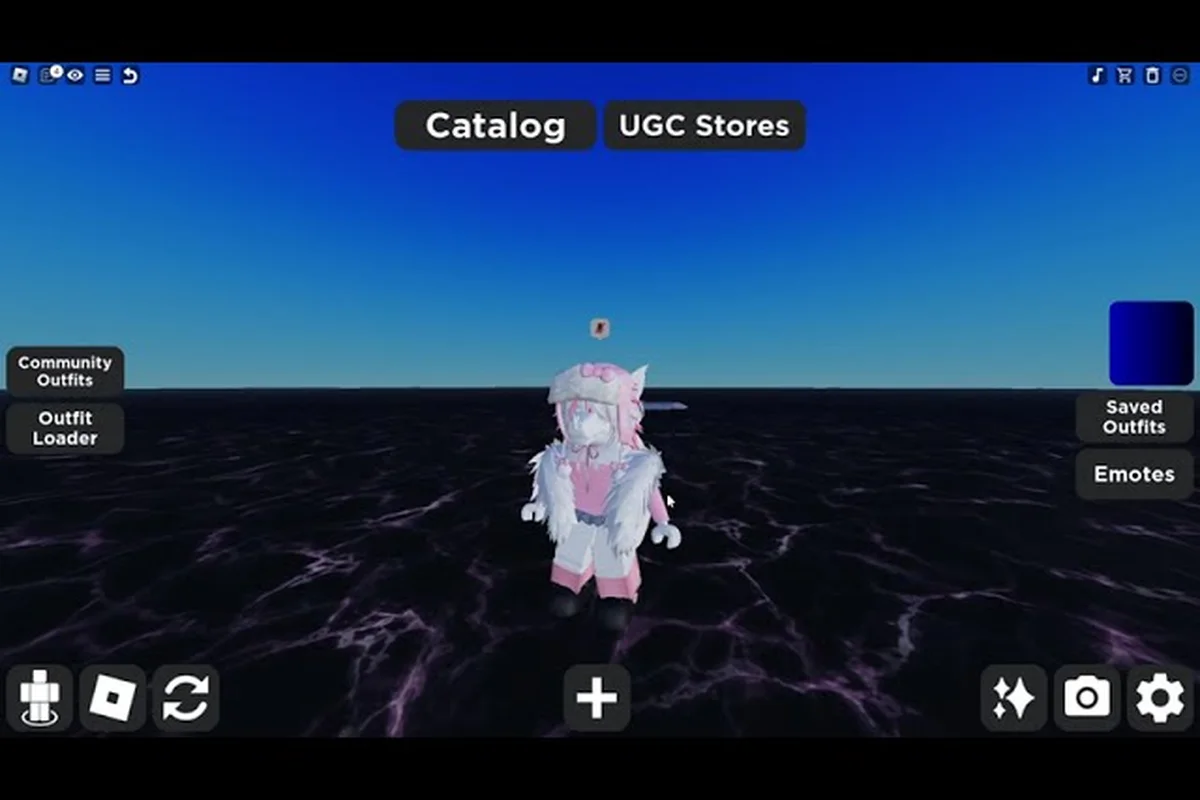
Catalog Avatar Creator body customization: R15 vs R6 scaling
Master Catalog Avatar Creator body customization with R15 vs R6 types. Adjust height, width, and part proportions to change how clothing fits your avatar.
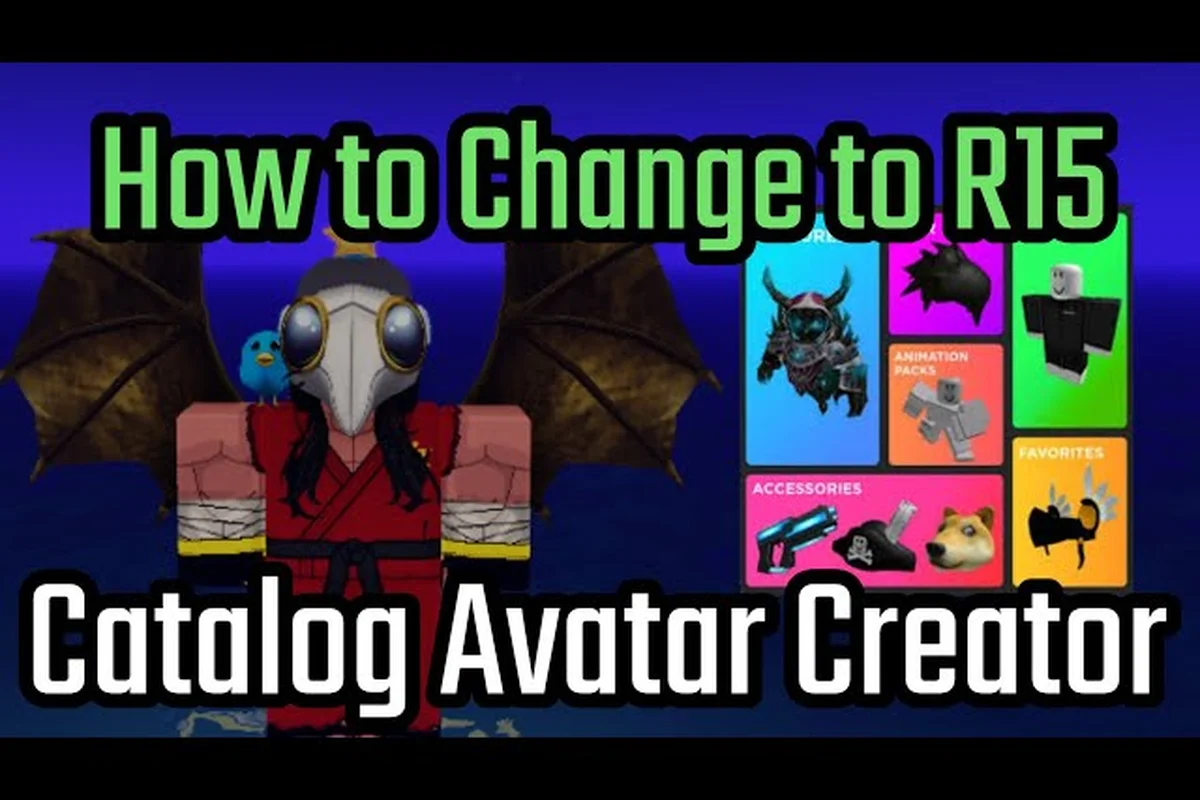
Catalog Avatar Creator body guide: sizes and bundles
Learn the Catalog Avatar Creator body guide basics: adjust height, muscle, and thinness, or use body bundles. Fix mismatched parts and master R15 animation.
All Articles
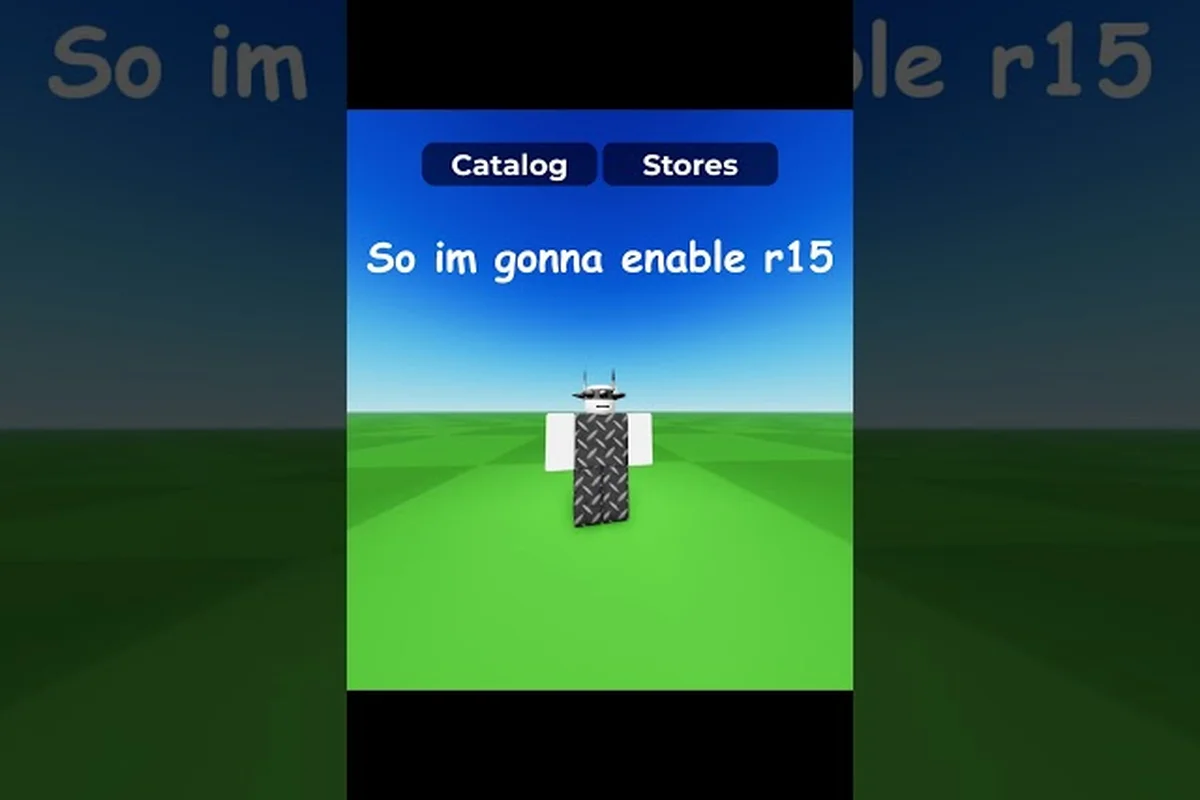
Catalog Avatar Creator body parts: swap heads and limbs
Swap Catalog Avatar Creator body parts like heads, torsos, arms, and legs. Learn R15 vs R6 differences and change proportions for a completely new frame.
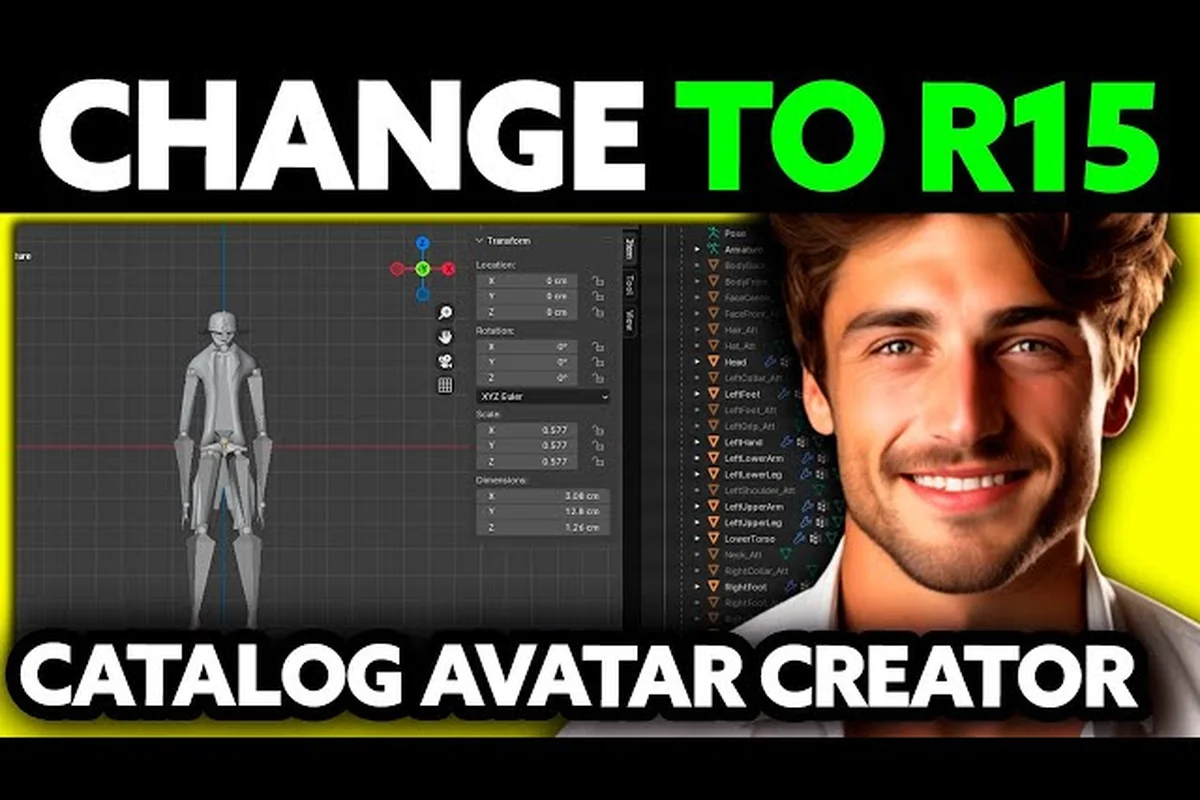
Catalog Avatar Creator torso ideas: builds and swaps
Get Catalog Avatar Creator torso ideas for muscular, thin, or tall builds. Swap arms and legs individually and scale proportions for unique avatar frames.
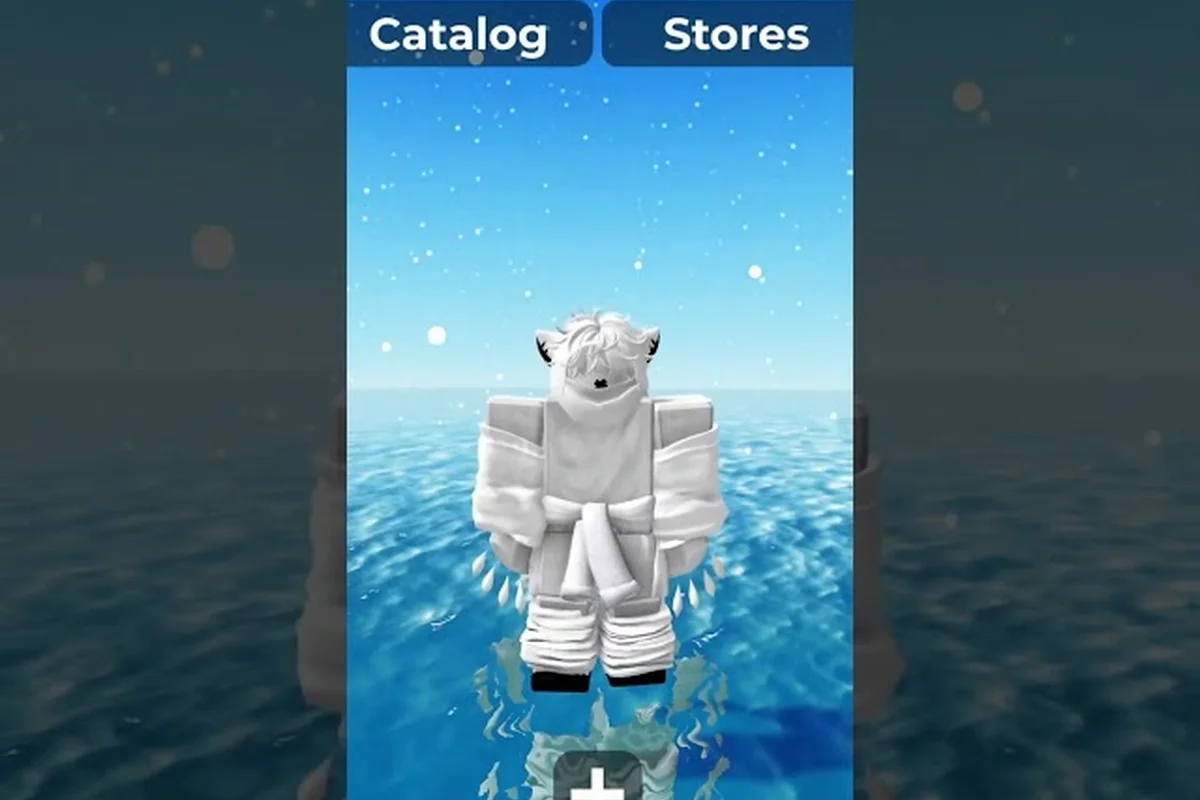
Catalog Avatar Creator head shapes: bundles and rare picks
Explore Catalog Avatar Creator head shapes from classic Roblox bodies to rare headless items. Learn how head bundles replace your face canvas instantly.