
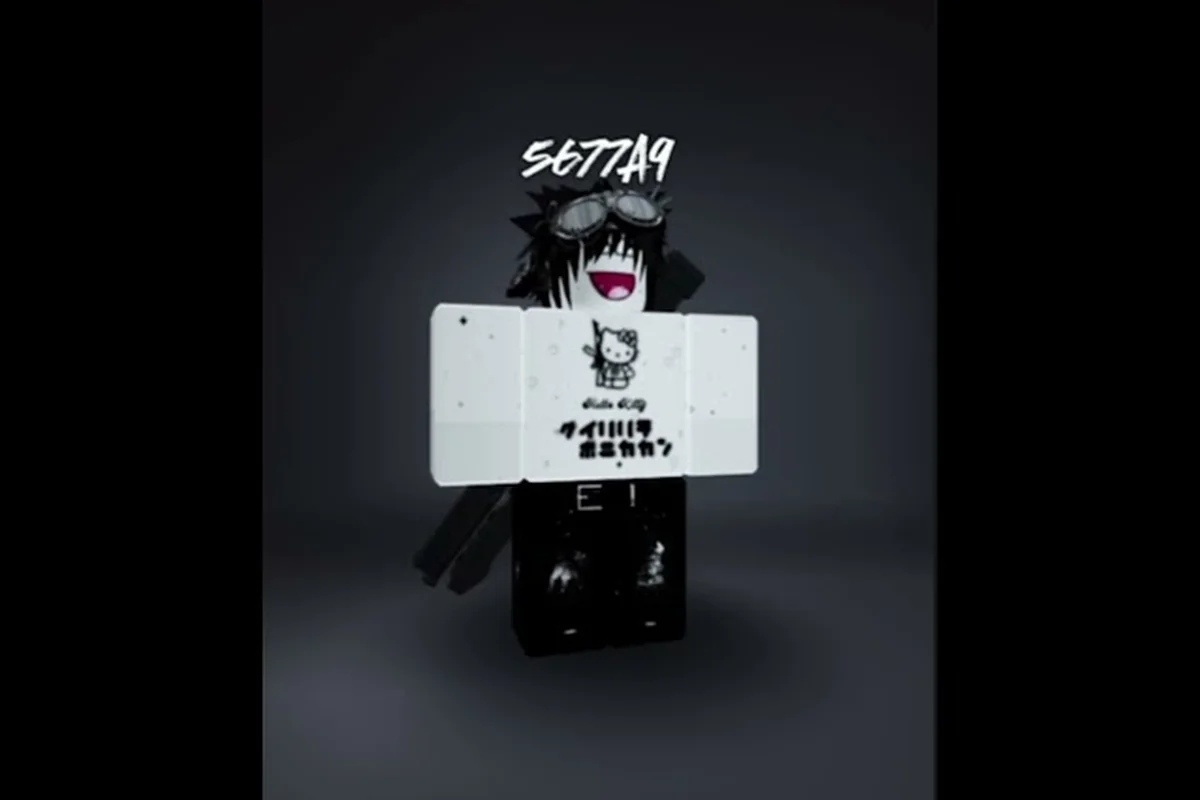
Learning how to make a good avatar in Catalog Avatar Creator changes how you approach Roblox fashion entirely. Instead of guessing which accessories work together, you can preview millions of items on your character for free before committing a single Robux. This guide breaks down the full outfit-building workflow, from browsing the catalog to publishing a look that other players actually want to try on.
Understanding the Catalog Avatar Creator Workspace
Catalog Avatar Creator is not just a dressing room; it is a full avatar design sandbox where you can experiment with accessories, hats, limiteds, hair combos, bundles, animation packs, and more without spending anything upfront. According to the official Roblox game page, the experience lets you try on many different catalog items for free, which means you can test bold combinations before making any purchase. The game won the Best Use of Fashion Roblox Innovation Award in 2023 and 2024, which tells you how seriously the community treats outfit quality here.
The core loop is simple: open the catalog, filter by item type, click an item to preview it on your avatar, and then either save the look in-experience or buy the item so it lands in your Roblox inventory. Because every purchase made in-game becomes available across all Roblox games, the stakes are higher than a typical dress-up minigame. You are building a look that follows you everywhere.
| Workspace Area | Primary Function | Why It Matters for Outfit Building |
|---|---|---|
| Catalog Browser | Search and filter millions of items by type, price, and creator | Lets you discover pieces you would never find through the standard Roblox avatar editor |
| Avatar Preview Panel | Shows your current character with all equipped items in real time | Reveals clipping issues, color clashes, and proportion problems before you buy |
| Community Outfit Feed | Displays 50M+ player-created outfits with outfit codes | Provides instant inspiration and lets you copy successful looks with one code |
| Save/Load Menu | Stores your in-experience creations and syncs them to your Roblox avatar | Separates experimental drafts from your final published look |
The Community Outfit Feed is especially valuable when you are stuck creatively. Instead of starting from a blank avatar, you can browse what other players have already assembled, identify a silhouette or color story you like, and then remix it with your own substitutions. This approach dramatically shortens the learning curve for new designers.
Navigating the Item Categories
The catalog organizes items into distinct buckets, and understanding these categories helps you build cohesive outfits instead of random piles of accessories. Hair combos bundle multiple hair pieces into one slot, which saves time when you want a layered hairstyle without hunting for individual strands. Bundles package entire themed sets, while animation packs change how your avatar moves, which can completely alter the vibe of an outfit even if the clothing stays the same.
Players often overlook animation packs when learning how to make a good avatar in Catalog Avatar Creator, but movement is a huge part of how other players perceive your character in-game. A stiff default walk can undercut an otherwise polished outfit, while a custom idle animation makes even a simple look feel intentional. Community reports consistently mention that top outfits pair strong visual design with a matching animation pack.
Building a Cohesive Outfit from Scratch
The biggest mistake new designers make is treating Catalog Avatar Creator like a checklist of rare items rather than a composition exercise. A good avatar outfit has a clear focal point, a supporting color palette, and balanced proportions. If you stack three oversized hats and a massive shoulder accessory, the result reads as noise rather than style. Instead, start with one hero piece and build outward.
| Design Principle | What It Means | Common Mistake |
|---|---|---|
| Focal Point | One item draws the eye first, usually the head or torso area | Equipping multiple rare items that compete for attention |
| Color Harmony | Two or three dominant colors repeated across accessories | Mixing five unrelated colors with no repetition |
| Proportion Balance | Large items are offset by smaller, simpler pieces | Stacking oversized accessories on every slot |
| Theme Consistency | All items share a visual language, like futuristic or fantasy | Combining a medieval helmet with sci-fi armor |
A practical workflow is to pick your hero piece first — a limited hat, a striking hair combo, or a unique face accessory — and then select every other item to support it. If your hero piece is a glowing neon mask, choose clothing and accessories that echo that neon color in smaller doses. This repetition creates visual rhythm, which is what separates a designed outfit from a random inventory dump.
Using the Free Try-On System to Test Combinations
The free try-on system is the single most powerful tool for learning how to make a good avatar in Catalog Avatar Creator without wasting Robux. You can equip any catalog item on your avatar temporarily, rotate the camera to check for clipping, and compare it against alternatives before spending anything. This means you can test ten different hats with one outfit and only buy the one that actually works.
Because the preview updates in real time, you can also catch proportion issues that screenshots would hide. A hat might look great from the front but clip awkwardly through your character's back, or a jacket might sit strangely with a particular animation pack. The official Catalog Avatar Creator website confirms the editor is available across Windows, MacOS, iOS, Android, Xbox, PlayStation, and Meta Quest, so you can test on your preferred platform.
Publishing and Sharing Your Outfit Designs
Once you have assembled a look you are proud of, the next step is learning how to publish outfit in Catalog Avatar Creator so other players can discover and try on your creation. The publishing flow is built into the save menu, and your published outfit gets an outfit code that anyone can enter to load your exact look. This is how community outfits spread across the platform.
| Publishing Step | Action Required | Result |
|---|---|---|
| Save In-Experience | Use the save menu to store your current avatar configuration | Your outfit is saved locally in the game |
| Publish to Community | Confirm you want to share the outfit publicly | The outfit appears in the Community Outfit Feed |
| Share Outfit Code | Copy the generated code and post it in the official Roblox group or social channels | Other players can enter the code to try on your look |
| Track Try-Ons | Monitor your outfit's try-on count over time | Reaching 100,000+ try-ons unlocks the Outfit Designer role in the official group |
The official Catalog Avatar Creator Roblox group has over 39.6 million members and is the primary channel for outfit code drops and creator announcements. Publishing your outfit there gives it immediate visibility, especially if you time your post around peak play hours. The Outfit Designer role is a meaningful milestone because it signals to the community that your design sense resonates with a large audience.
How to Copy Outfits from the Community Feed
Learning how to copy outfits Catalog Avatar Creator is straightforward once you understand the outfit code system. Every community outfit has a unique code, and entering that code loads the full look onto your avatar instantly. This is different from manually recreating an outfit item by item, which is slow and error-prone. The code system preserves the exact item combination the original designer intended.
To copy an outfit, open the Community Outfit Feed, find a look you like, and note its outfit code. Then open the outfit code menu and enter the code exactly as shown. The full outfit code guide from GuideRealm demonstrates the process in about a minute, confirming that the entry flow is quick and beginner-friendly. Once loaded, you can wear the outfit as-is or swap individual pieces to make it your own.
Making Stylish Outfits Without Spending Robux
One of the most common questions from new players is how to make outfits without Robux Catalog Avatar Creator, and the answer is more generous than most people expect. The free try-on system lets you preview any item, but the real zero-Robux strategy is to build outfits entirely from free catalog items and community outfit codes. Many top community outfits use free or low-cost pieces creatively rather than relying on expensive limiteds.
| Zero-Robux Strategy | How It Works | Skill Required |
|---|---|---|
| Free Item Scouting | Filter the catalog by price and browse free accessories, hats, and hair | Low — just requires patience and a good eye |
| Community Outfit Remixing | Copy a popular outfit code, then swap expensive pieces for free alternatives | Medium — requires understanding why the original works |
| Event Item Collection | Claim limited-time free items from Roblox events and integrate them into outfits | Low — but requires checking events regularly |
| UGC Store Browsing | Browse player-created UGC stores for free or cheap original items | Medium — quality varies widely by creator |
The key insight is that expensive items do not automatically make a good outfit. A well-composed look built from free pieces will outperform a messy stack of rare limiteds every time. If you want to go deeper into zero-cost outfit building, the free outfits guide covers specific free item sources and outfit codes that work without any Robux investment.
Remixing Community Looks into Original Designs
The best designers do not just copy outfits; they remix them. Start with a community outfit you admire, identify the one or two pieces that carry the look, and then replace everything else with alternatives that shift the mood. This is how trends evolve in Catalog Avatar Creator, and it is also how you develop your own design voice instead of just replicating what is already popular.
For example, if a trending outfit uses a specific hair combo and a dark jacket, you might keep the hair but swap the jacket for a lighter color and add a contrasting face accessory. The silhouette stays recognizable, but the color story and focal point shift enough that the outfit reads as original. The outfit sharing guide explains how to find trending looks and understand what makes them work before you start remixing.
Advanced Outfit Design Techniques
Once you have mastered the basics of how to make a good avatar in Catalog Avatar Creator, you can push your designs further with advanced techniques that separate average outfits from memorable ones. These techniques focus on silhouette, color psychology, and animation pairing, which are the elements that experienced designers manipulate deliberately rather than leaving to chance.
| Advanced Technique | What It Controls | How to Apply It |
|---|---|---|
| Silhouette Design | The overall shape your avatar makes at a distance | Choose one oversized item to define the outline, keep everything else close to the body |
| Color Psychology | The emotional response your color palette triggers | Use warm colors for friendly looks, cool colors for mysterious or edgy looks |
| Animation Pairing | How your avatar moves and idles | Match an animation pack to your outfit's theme — fluid animations for elegant looks, sharp animations for combat looks |
| Layering Strategy | How multiple accessories interact visually | Stack items that sit at different depths, like a hat over a hair combo over a face accessory |
The silhouette design principle is especially important because most Roblox games show avatars at a distance. If your outfit reads clearly as a distinct shape from across a map, it will stand out even before players see the details. This is why many top designers start with the silhouette and only then fill in colors and accessories.
Saving and Iterating on Your Designs
The save system in Catalog Avatar Creator is built for iteration, not one-shot publishing. You can save multiple in-experience outfits, return to them later, and make incremental changes without losing your previous work. This is essential because good design is rarely a single flash of inspiration; it is a series of small adjustments that compound into a polished result.
The how to save outfits guide covers the save workflow in detail, including how to organize multiple drafts and sync your final look to your actual Roblox avatar. Community data suggests that designers who save and iterate on their outfits consistently produce higher-quality results than those who try to nail a look in one sitting.
Frequently Asked Questions
How do I make a good avatar in Catalog Avatar Creator if I am completely new?
Start by browsing the Community Outfit Feed to see what successful outfits look like, then copy one you like using its outfit code. Swap one or two pieces to make it your own, and use the free try-on system to test alternatives before buying anything. Focus on one hero piece and a consistent color palette.
Can I publish an outfit in Catalog Avatar Creator without spending Robux?
Yes. You can build an outfit entirely from free items and community outfit codes, then publish it to the Community Outfit Feed without any Robux cost. The publishing flow is built into the save menu, and your outfit gets an outfit code that other players can use to try on your look.
How do I copy an outfit from another player in Catalog Avatar Creator?
Open the Community Outfit Feed, find the outfit you want, and note its outfit code. Then open the outfit code menu and enter the code exactly as shown. The full look loads onto your avatar instantly, and you can wear it as-is or swap individual pieces.
What is the fastest way to find good outfit codes?
Join the official Catalog Avatar Creator Roblox group, which has over 39.6 million members and is the primary channel for outfit code drops. You can also browse the Community Outfit Feed in-game and sort by trending or popular to see what other players are currently trying on.
Do animation packs really matter for a good avatar outfit?
Yes, because animation packs control how your avatar moves and idles, which affects how other players perceive your character in-game. A custom idle animation can make a simple outfit feel intentional, while a stiff default walk can undercut an otherwise polished look. Match the animation to your outfit's theme for the best result.