
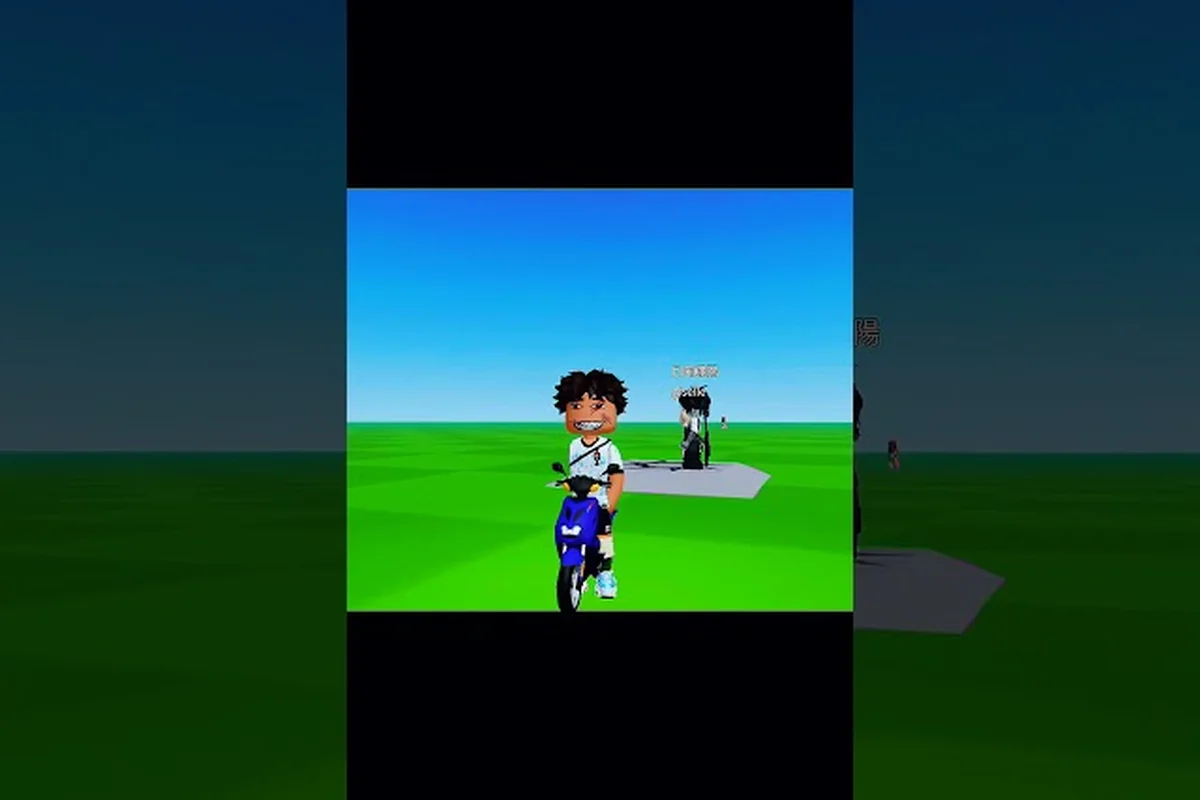
Faces are the single most visible part of any avatar, which means picking the right expression instantly changes how your entire outfit reads. The best faces in Catalog Avatar Creator range from free classic smiles to expressive UGC drops, and knowing which ones hold up with different hair and hat combos saves you hours of trial and error. This ranking breaks down the top picks by vibe, cost, and pairing potential.
Why Face Choice Defines Your Avatar
A face does more than sit under your hair — it sets the emotional tone for everything else you equip. Players consistently report that swapping a face changes the perceived personality of an avatar faster than changing shirts, pants, or accessories, because the eyes and mouth anchor the first impression. The catalog keeps every classic Roblox expression available for free alongside newer expressive styles, which means you never have to spend Robux to get a solid look.
When you browse the face section, you will see several distinct families: classic faces, expressive newer faces, meme faces, anime faces, and UGC faces. Each family has its own strengths depending on whether you want a friendly avatar, an edgy build, or a joke character. The official Roblox page for Catalog Avatar Creator confirms that every face can be tried on for free and changed instantly, so experimentation costs nothing.
Face Families at a Glance
| Face Family | Cost | Best For | Pairing Notes |
|---|---|---|---|
| Classic Faces | Free | Friendly, nostalgic builds | Works with almost any hair |
| Expressive Faces | Usually paid | Emotional, dramatic looks | Needs matching eyebrow energy |
| Meme Faces | Mixed | Joke avatars, group photos | Pairs well with silly hats |
| Anime Faces | Usually paid | Kawaii, soft aesthetics | Best with rounded hairstyles |
| UGC Faces | Varies | Unique, rare expressions | Check creator style consistency |
The free classic library alone gives you dozens of usable expressions, which is why many veteran creators still default to the iconic Roblox smile for everyday avatars. Community data suggests that smile faces remain the most common choice for friendly avatars because they read as approachable in nearly every lighting condition and camera angle.
Top Classic Faces That Still Hold Up
The Catalog Avatar Creator classic faces are not just nostalgia bait — several of them remain top-tier picks for modern avatars. Because these faces are completely free, they offer the best value-to-impact ratio in the entire catalog. The full library of classic expressions costs nothing to equip, which makes a complete expression change free whenever you want to refresh your look.
The most reliable classic picks include the default Smile, the slightly wider Happy, and the neutral Chill face. Each of these works as a blank canvas that lets your hair and accessories do the heavy lifting. If you want to lean into a more specific mood, the classic Suspicious and Wink faces add personality without overwhelming the rest of your outfit.
Best Classic Faces Ranked
| Rank | Face Name | Vibe | Ideal Hair Match |
|---|---|---|---|
| 1 | Smile | Friendly, universal | Any style |
| 2 | Happy | Upbeat, energetic | Short or spiky cuts |
| 3 | Chill | Relaxed, cool | Long or messy hair |
| 4 | Wink | Playful, flirty | Side-swept bangs |
| 5 | Suspicious | Edgy, skeptical | Sharp, angular cuts |
One underrated trick is to use a classic face as the base for a layered look, then add a subtle accessory like glasses or a small hat to shift the expression's perceived mood. Players in the community frequently share that a Smile face paired with dark sunglasses reads as "cool" rather than "friendly," which demonstrates how much context matters. If you want to explore edgier expressions beyond the classic set, the cool faces breakdown covers angry, cat, and anime options in depth.
Expressive and UGC Faces Worth Trying
When you move beyond the classic library, the Catalog Avatar Creator face guide gets more interesting. Expressive newer faces and UGC faces introduce exaggerated eyebrows, wider mouths, and stylized eyes that classic faces simply cannot replicate. These faces tend to cost Robux, but they often become the centerpiece of an avatar rather than a supporting detail.
The key with expressive faces is matching their energy to the rest of your outfit. A dramatic Shock face looks odd on a calm, pastel avatar, but it shines on a chaotic meme build or a high-energy action look. Similarly, a soft Anime Smile face pairs beautifully with rounded hairstyles and pastel color palettes, while it clashes with sharp, angular cuts and dark accessories.
Expressive Face Pairing Guide
| Expression Type | Best Hair Style | Best Hat | Avoid |
|---|---|---|---|
| Shock / Surprise | Messy, wild hair | None or small | Formal hats |
| Angry / Fierce | Sharp, spiky cuts | Headbands | Soft beanies |
| Anime Smile | Rounded, soft bobs | Bows, flowers | Hard helmets |
| Meme Faces | Anything silly | Prop hats | Elegant accessories |
| UGC Custom | Match creator style | Match creator style | Mixed aesthetics |
Community face ideas frequently combine a cute face with a soft hairstyle and a small bow, because that trio creates a cohesive kawaii look with minimal effort. The Discord community for the game regularly shares "face + hair + hat" combo codes so you can load a finished expression instantly, which is especially useful when you are building multiple avatars for different moods. For a deeper dive into matching faces with specific hairstyles, the face and hair combo guide breaks down the most reliable pairings.
How to Change Your Face Quickly
Learning how to change face Catalog Avatar Creator is straightforward, but a few workflow tips make the process much faster. The face section sits in the main catalog menu, and every face can be previewed on your current avatar before you commit. Because the try-on system is instant and free, you can cycle through dozens of faces in under a minute.
The fastest method is to open the face category, then use the Try On button on any face that catches your eye. Your current hair, hat, and accessories stay equipped while the face swaps, which lets you judge whether the expression works with your existing setup. If a face clashes with your hair, you can either change the hair or keep browsing — no purchase is required to preview.
Step-by-Step Face Swap
| Step | Action | Why It Matters |
|---|---|---|
| 1 | Open the face category | See all available expressions |
| 2 | Tap Try On on a face | Preview without spending Robux |
| 3 | Check hair and hat pairing | Avoid clashing styles |
| 4 | Adjust accessories if needed | Glasses and hats shift the mood |
| 5 | Equip the final pick | Lock in your new expression |
One thing to remember is that Catalog Avatar Creator smile faces and other classic options are always free, so you can experiment without any financial pressure. If you want to unlock newer expressions, the how to get new faces guide explains where to find fresh drops and limited UGC releases.
Building a Cohesive Look Around Your Face
The real skill in using the best faces in Catalog Avatar Creator is not just picking a good expression — it is building an entire avatar around that face so everything feels intentional. A face should anchor your outfit, which means your hair, hat, and accessories should all point toward the same emotional direction. When the pieces align, the avatar looks like a designed character rather than a random collection of items.
Start by deciding what mood you want, then pick a face that matches that mood, then choose hair and hats that reinforce it. For a cute faces Catalog Avatar Creator build, you would start with a soft smile or anime face, add rounded hair, and finish with a bow or flower accessory. For a cool build, you would pick a neutral or suspicious face, add sharp hair, and skip the cute accessories entirely.
Mood-Based Build Recipes
| Desired Mood | Face Pick | Hair Pick | Hat Pick | Accessory |
|---|---|---|---|---|
| Friendly | Classic Smile | Any soft style | Beanie | None or glasses |
| Cool | Chill or Suspicious | Sharp cut | None | Sunglasses |
| Cute | Anime Smile | Rounded bob | Bow | Small earrings |
| Funny | Meme face | Messy hair | Prop hat | Random item |
| Edgy | Angry or Fierce | Spiky cut | Headband | Dark glasses |
The Catalog Avatar Creator face ideas that perform best in community showcases are almost always built around a single clear mood. When you try to mix a cute face with edgy hair and a formal hat, the result feels scattered because each element pulls in a different direction. Sticking to one emotional lane per avatar is the fastest way to make your build look polished.
Frequently Asked Questions
What are the best faces in Catalog Avatar Creator for free?
The best free faces are the classic Smile, Happy, and Chill expressions. They cost nothing to equip and work with nearly any hair or hat combination. The classic library stays available alongside newer paid styles, so you can build a solid avatar without spending any Robux.
How do I change my face in Catalog Avatar Creator?
Open the face category in the catalog, then tap Try On on any face to preview it on your current avatar. Your hair and accessories stay equipped during the preview, which lets you judge the full look before committing. Equip the face when you find one that works.
Are cute faces in Catalog Avatar Creator expensive?
Not necessarily. Several cute expressions come from the free classic library, while anime-style cute faces and UGC options usually cost Robux. You can create a cute look with a free Smile face plus rounded hair and a bow accessory, which keeps the cost at zero.
What face works best with spiky hair?
A Suspicious, Chill, or Angry face pairs best with sharp, spiky hairstyles because the angular energy matches. Avoid soft anime smiles with spiky cuts, since the contrast makes the avatar feel mismatched. Neutral or edgy expressions reinforce the cool aesthetic that spiky hair creates.
Can I use meme faces in serious avatar builds?
You can, but meme faces tend to dominate the avatar's personality and make serious outfits feel ironic. If you want a joke avatar, pair a meme face with a prop hat and messy hair. For a serious build, stick to classic or expressive faces that match the outfit's tone.