
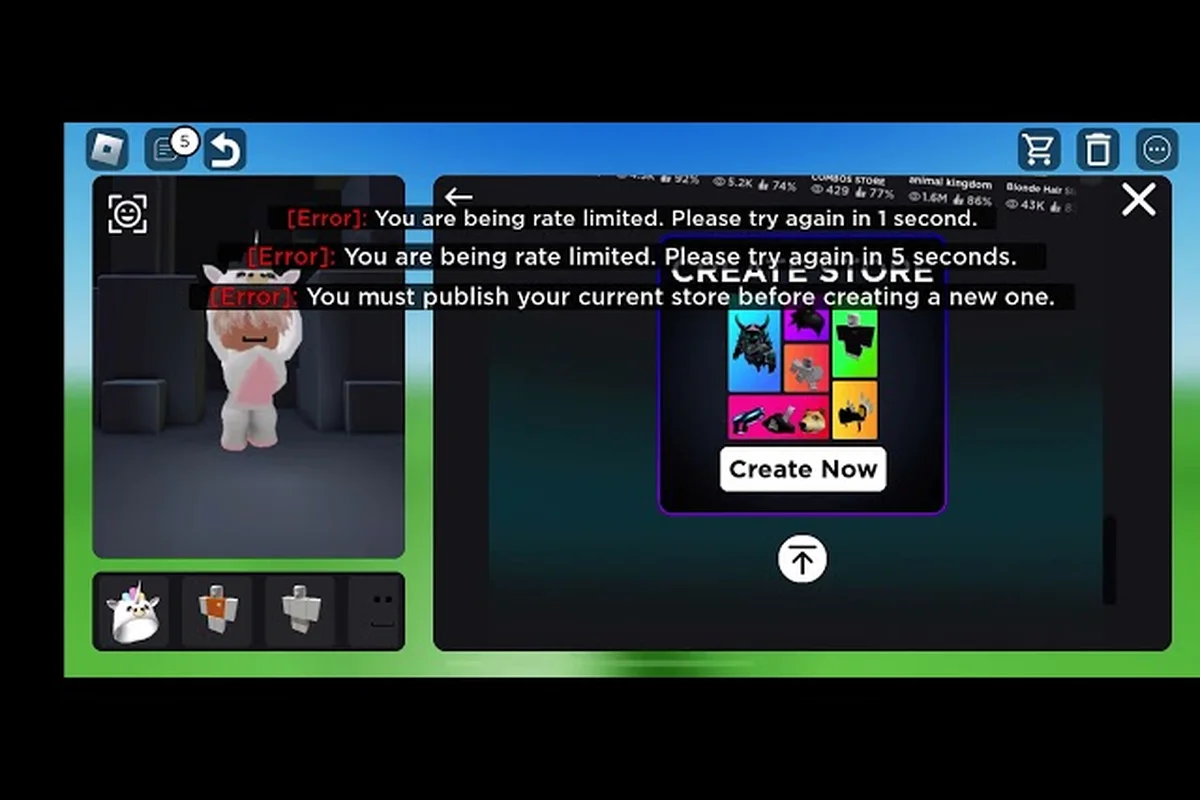
Opening a Catalog Avatar Creator UGC store 2026 edition transforms your creative hobby into a steady Robux revenue stream. Because the platform now boasts over 39.6 million group members, standing out requires smart layout design and competitive pricing. Discover how to launch, customize, and scale your personal shop into a top-tier storefront.
Storefront Fundamentals and the UGC Creator Role
The core appeal of a Catalog Avatar Creator storefront is that it is completely free to set up inside the experience, meaning you do not need to spend Robux just to start selling. According to the official game description, players combine various catalog sections into a personalized shop layout, publish their UGC items into these sections, and earn Robux whenever other players purchase the creations. This system effectively democratizes item distribution, allowing anyone with a good design sense to build a customer base without relying on external trading hubs.
When you publish your first UGC Store, the game automatically grants you the UGC Creator role in the official Roblox group. This role currently spans a massive community of 39.6 million members, serving as the primary in-game milestone for designers and granting recognition within the ecosystem. Earning this role is not just a cosmetic badge; it signals to buyers that your items have passed the game's internal publishing checks, which builds trust and encourages sales.
Step-by-Step Store Launch
Setting up your shop requires careful attention to the in-experience editor. You must select the right plot size, configure your catalog sections, and ensure your items are properly tagged before going live.
| Setup Phase | Action Required | Impact on Store |
|---|---|---|
| Plot Selection | Choose a Catalog Avatar Creator booth location | Determines foot traffic potential |
| Section Building | Combine and arrange catalog categories | Defines visual flow and browsing ease |
| Item Publishing | Upload and price UGC creations | Activates revenue generation |
| Role Unlock | Automatic upon first publish | Grants UGC Creator badge |
Once your Catalog Avatar Creator booth is active, you can begin refining the space. The editor allows you to merge different catalog sections into a cohesive layout, giving you the flexibility to design a unique shopping environment. If you want to understand the foundational mechanics before diving into advanced layout strategies, check out our comprehensive UGC store setup guide which breaks down the initial configuration options. A well-organized launch prevents early confusion and sets the stage for long-term Catalog Avatar Creator UGC store profit.
Strategic Layout and Category Organization
Designing an effective Catalog Avatar Creator storefront goes beyond simply placing items on display. The layout of your shop directly influences how long visitors stay, which sections they browse, and ultimately whether they make a purchase. Community reports from the official Discord emphasize that a cohesive store theme keeps buyers engaged longer than a random assortment of mismatched accessories.
Optimizing Catalog Sections
When organizing your Catalog Avatar Creator store categories, you should group items by visual similarity or thematic elements. For example, if you specialize in fantasy gear, keep all medieval helmets, swords, and shields in one dedicated cluster rather than scattering them across different wings of your shop. This thematic grouping helps buyers find exactly what they want quickly, which increases the likelihood of multiple purchases during a single visit.
| Layout Strategy | Description | Buyer Behavior Impact |
|---|---|---|
| Thematic Clustering | Grouping by visual style or genre | Increases multi-item purchases |
| Price Gradient | Arranging from cheapest to premium | Guides budget-conscious browsing |
| Central Feature | Placing new or seasonal items in the middle | Maximizes visibility for new drops |
| Color Coordination | Matching item palettes in displays | Improves screenshot sharing |
The central feature approach is particularly effective for driving sales of new releases. By placing your newest or most expensive items in the physical center of your Catalog Avatar Creator storefront, you ensure that every visitor passes through your entire catalog before exiting. Players naturally gravitate toward the middle of a room, making this prime real estate for high-margin products. To dive deeper into spatial arrangement, the store customization guide offers advanced techniques for arranging your catalog sections to maximize visual appeal.
Pricing Strategies and Profit Maximization
Generating consistent Catalog Avatar Creator UGC store profit requires a deliberate approach to pricing. Many new creators drastically underprice their items to attract initial sales, but this strategy often devalues the work and makes it difficult to sustain long-term earnings. According to community strategy threads, pricing competitively while maintaining a cohesive store theme yields better overall revenue than racing to the bottom with cheap items.
Understanding the Sales Split
While specific payout percentages and Robux splits have no official public documentation, community experience indicates that earnings vary significantly based on item type, price point, and overall demand. The key to maximizing Catalog Avatar Creator UGC store profit is to experiment with different price tiers and monitor which items perform best over a week-long period.
| Pricing Tier | Target Audience | Recommended Item Types |
|---|---|---|
| Budget (5-15 Robux) | New players, impulse buyers | Simple accessories, basic recolors |
| Mid-Range (20-50 Robux) | Regular players | Detailed clothing, themed bundles |
| Premium (75+ Robux) | Collectors, dedicated fans | Complex 3D accessories, limited drops |
When Catalog Avatar Creator selling avatar items, you should balance your portfolio across all three tiers. Budget items act as a funnel, drawing players into your store where they might be tempted by mid-range or premium offerings. The recent introduction of Bulk Purchasing has also changed the pricing landscape, allowing players to buy multiple items at once, which means bundle deals are more lucrative than ever. You can learn more about maximizing your overall revenue by reviewing the creator economy breakdown which explores how to earn Robux fast through strategic store management.
Marketing Your UGC Storefront in 2026
Even the most beautifully designed Catalog Avatar Creator UGC store 2026 edition will struggle if nobody knows it exists. Marketing is the engine that drives foot traffic to your Catalog Avatar Creator booth, and the most successful creators leverage multiple channels to promote their items. The official developer video on YouTube outlines how UGC Stores function as personalized shops, but the real marketing happens outside the game client.
Promotion Channels and Tactics
Effective promotion relies on reaching players where they already spend their time. Outfit codes, group shoutouts, and social media sharing are the primary methods top creators use to attract buyers to their Catalog Avatar Creator storefront.
| Marketing Channel | Method | Estimated Reach |
|---|---|---|
| Outfit Codes | Share codes in game lobbies | High (in-game traffic) |
| Group Shoutouts | Post updates in the official group | Medium (39.6M members) |
| Social Media | Post outfit showcases on X/TikTok | Variable (viral potential) |
| Discord Community | Share new drops in trading channels | Medium (targeted buyers) |
Using outfit codes is arguably the most powerful in-game marketing tool. When you share an outfit code featuring your UGC items, other players can instantly try on the full look, which creates a direct pathway to your store if they want to purchase the individual pieces. Community data suggests that creators who actively share outfit codes see a much higher conversion rate than those who rely solely on passive foot traffic. You can find free items to complement your outfits by browsing the 0 Robux items directory to build attractive full-body showcases that entice buyers.
Advanced Booth Design and Traffic Optimization
Taking your Catalog Avatar Creator UGC store 2026 setup to the next level involves advanced spatial design and traffic flow optimization. The difference between a moderately successful shop and a top-performing Catalog Avatar Creator storefront often comes down to how intuitively a player can navigate your space without feeling overwhelmed.
Navigation Flow and Visual Hierarchy
When players enter your Catalog Avatar Creator booth, their eyes naturally follow a specific path. Understanding this visual hierarchy allows you to place high-margin items in the line of sight while keeping budget items along the walls. The goal is to create a shopping experience that feels organic, guiding the player through your Catalog Avatar Creator store categories without making them feel trapped or confused.
| Design Element | Traffic Impact | Best Practice |
|---|---|---|
| Wide Entrances | Prevents bottlenecking | Keep main aisle 2 studs wide |
| End Caps | Highlights seasonal items | Place new drops at aisle ends |
| Lighting | Draws attention to premium items | Use bright lights on high-value gear |
| Pathway Loops | Encourages full store browsing | Design circular walking paths |
Creating pathway loops ensures that visitors naturally traverse your entire store before finding the exit. Dead ends, on the other hand, cause players to turn around and leave before seeing everything you have to offer. By designing a circular or U-shaped walking path, you force foot traffic past every catalog section, maximizing the exposure of each item. This subtle architectural choice is what separates amateur shops from professional, high-traffic destinations for Catalog Avatar Creator selling avatar items.
Frequently Asked Questions
How do I unlock a UGC store in Catalog Avatar Creator?
You unlock your store by accessing the in-experience storefront editor and publishing your first UGC item. This action automatically grants you the UGC Creator role in the official Roblox group, which currently has 39.6 million members. The entire setup process is free and requires no upfront Robux investment.
What are the best categories for a new UGC store?
The best Catalog Avatar Creator store categories depend on your design skills, but thematic clustering works best. Group your items by visual style, such as fantasy gear or modern streetwear, to help buyers find matching pieces quickly. This approach increases multi-item purchases and keeps visitors browsing your Catalog Avatar Creator storefront longer.
How much profit can I make from a UGC store?
Catalog Avatar Creator UGC store profit varies based on item type, pricing, and marketing efforts. While the exact sales split has no official public documentation, community reports indicate that creators who price competitively and promote with outfit codes see significantly higher earnings. Balancing budget and premium items maximizes revenue.
Can I customize my booth layout after publishing?
Yes, you can modify your Catalog Avatar Creator booth layout at any time after publishing. The in-experience editor allows you to rearrange catalog sections, update item placements, and refresh your store theme whenever you release new drops. Regular layout updates keep the shopping experience fresh for returning customers.
Do I need the UGC Creator role to sell items?
No, you don't need the UGC Creator role beforehand. You earn it automatically by publishing your first UGC storefront inside the game. The official group (39.6 million members) awards the role as a trust signal confirming your items passed internal publishing checks, which is essential for Catalog Avatar Creator selling avatar items successfully.